iPhone SVG Illustrations & Line Art
Choose an iPhone illustration for a product page or presentation. Explore each model’s views and themes, then export SVG or PNG.
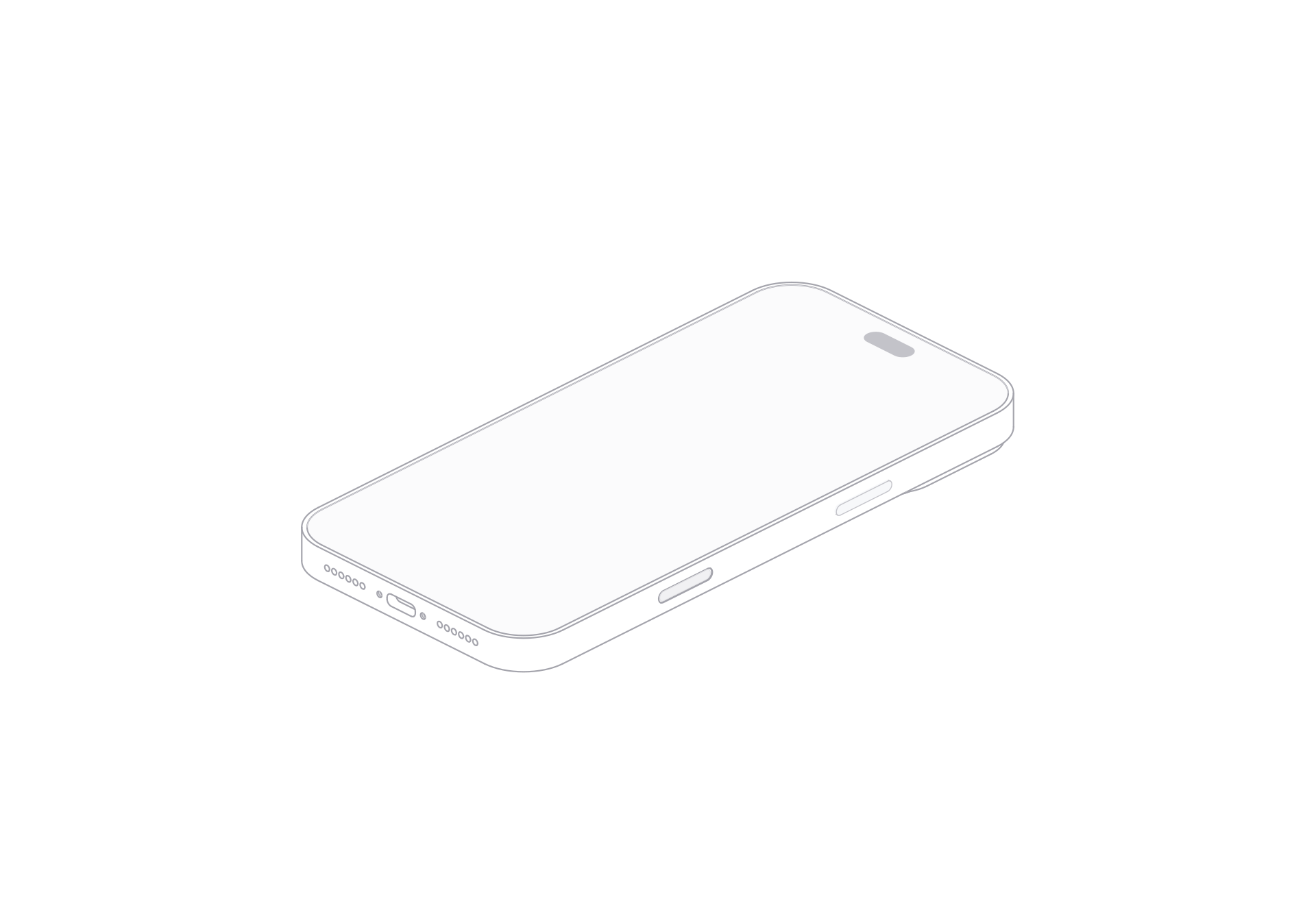
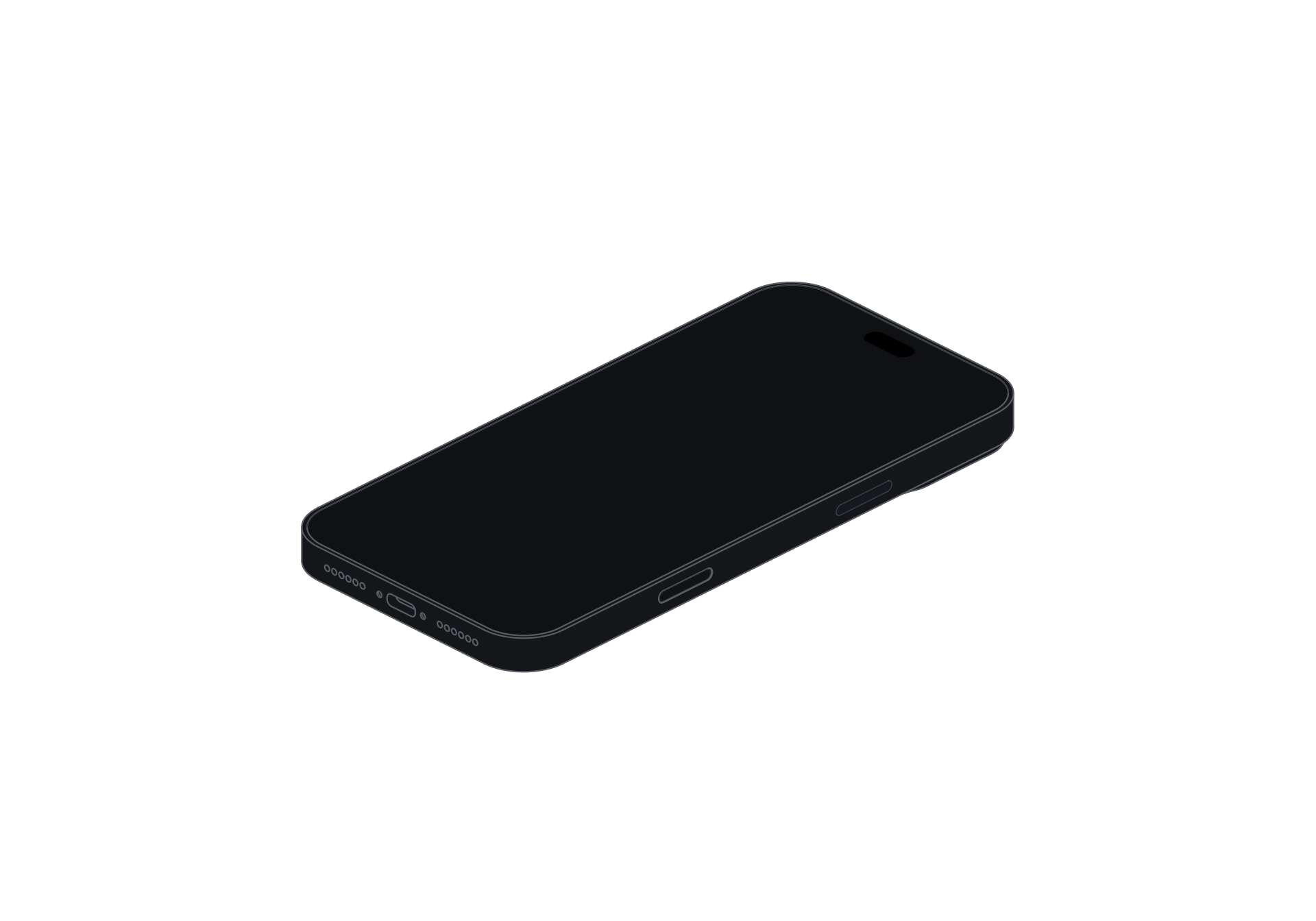
Its broad display and detailed camera housing suit app showcases and product presentations that need a substantial phone silhouette.
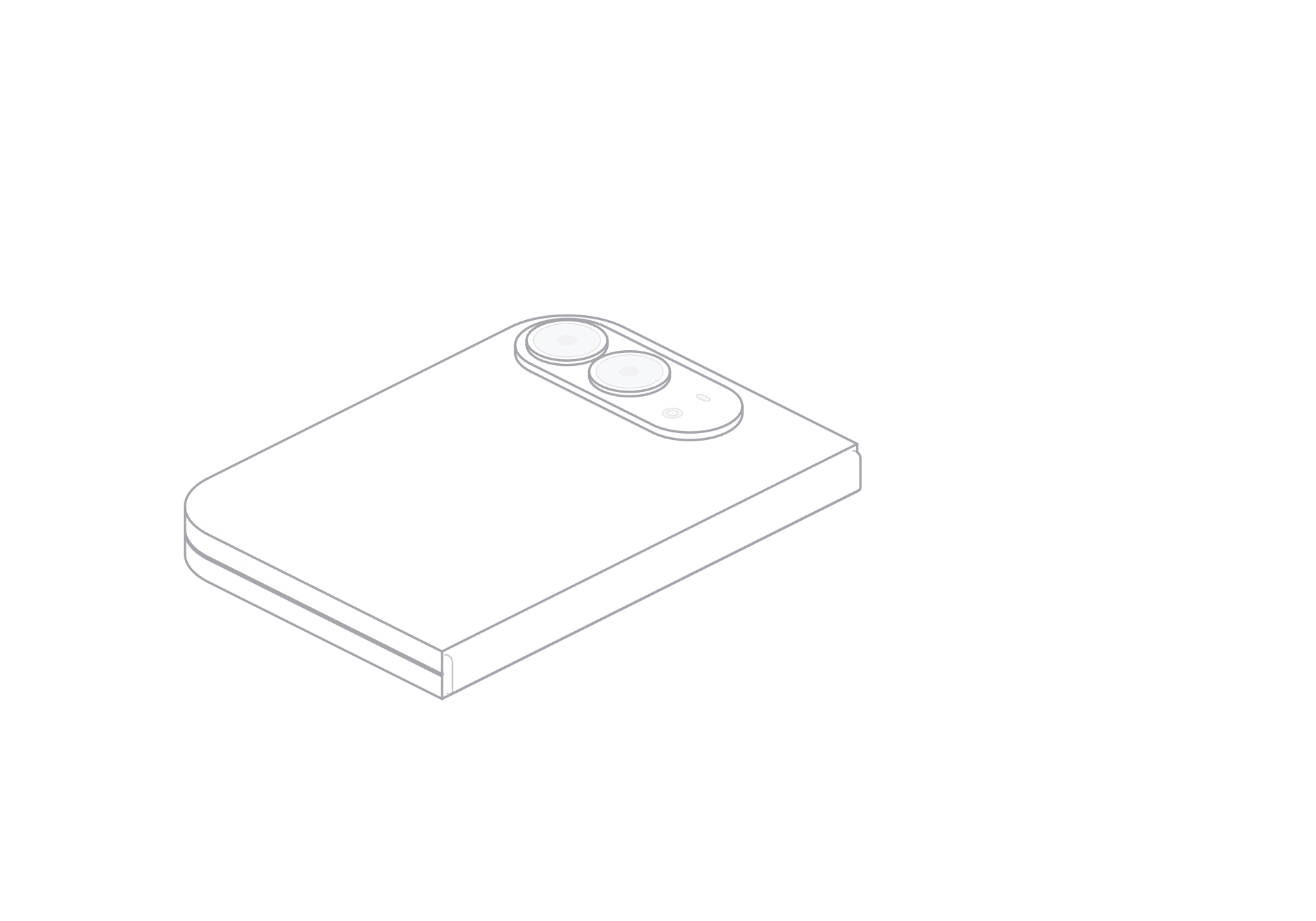
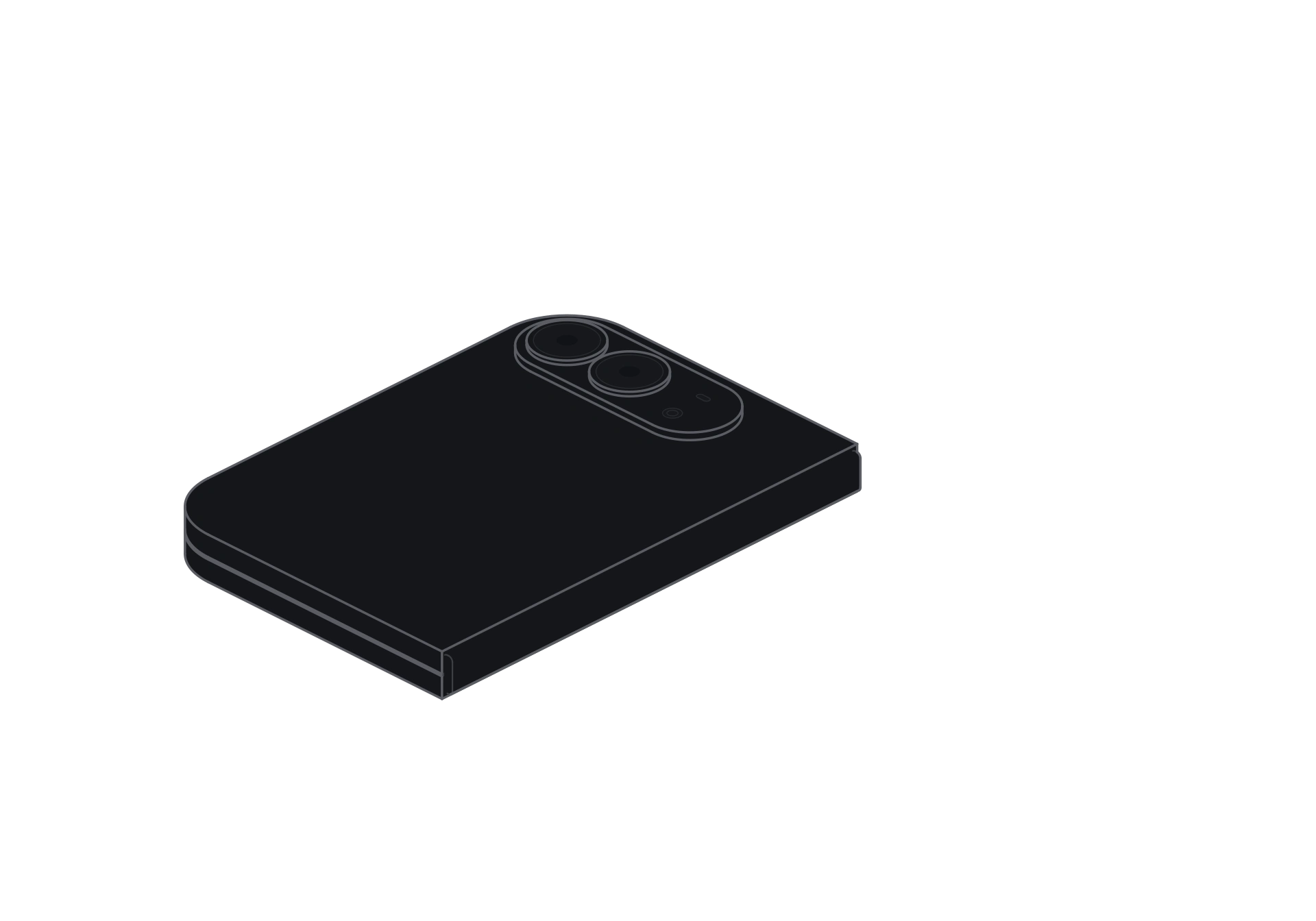
The hinged two-panel form shows front and rear as it opens or closes, making it a fit for foldable interface concepts and product stories.
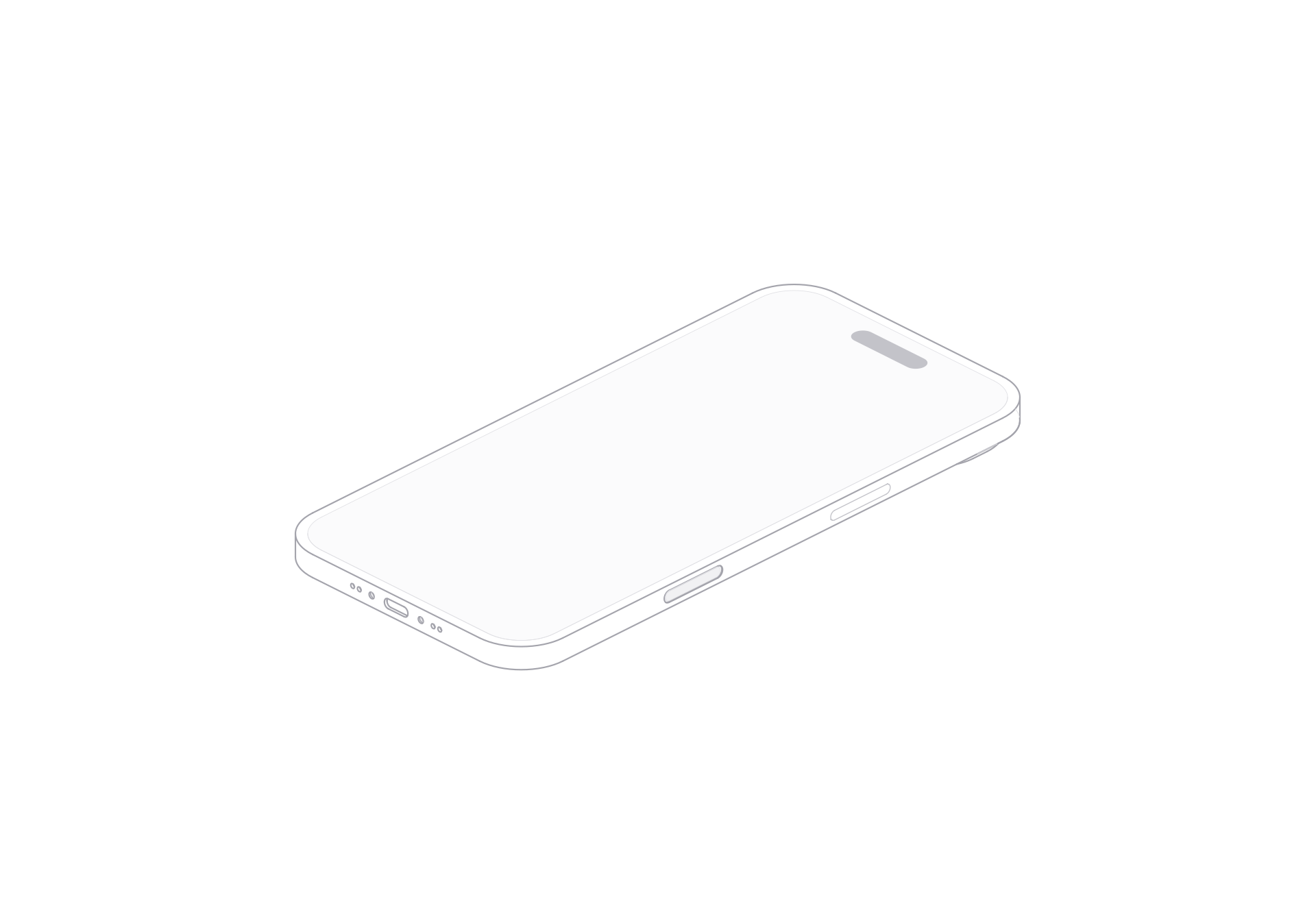
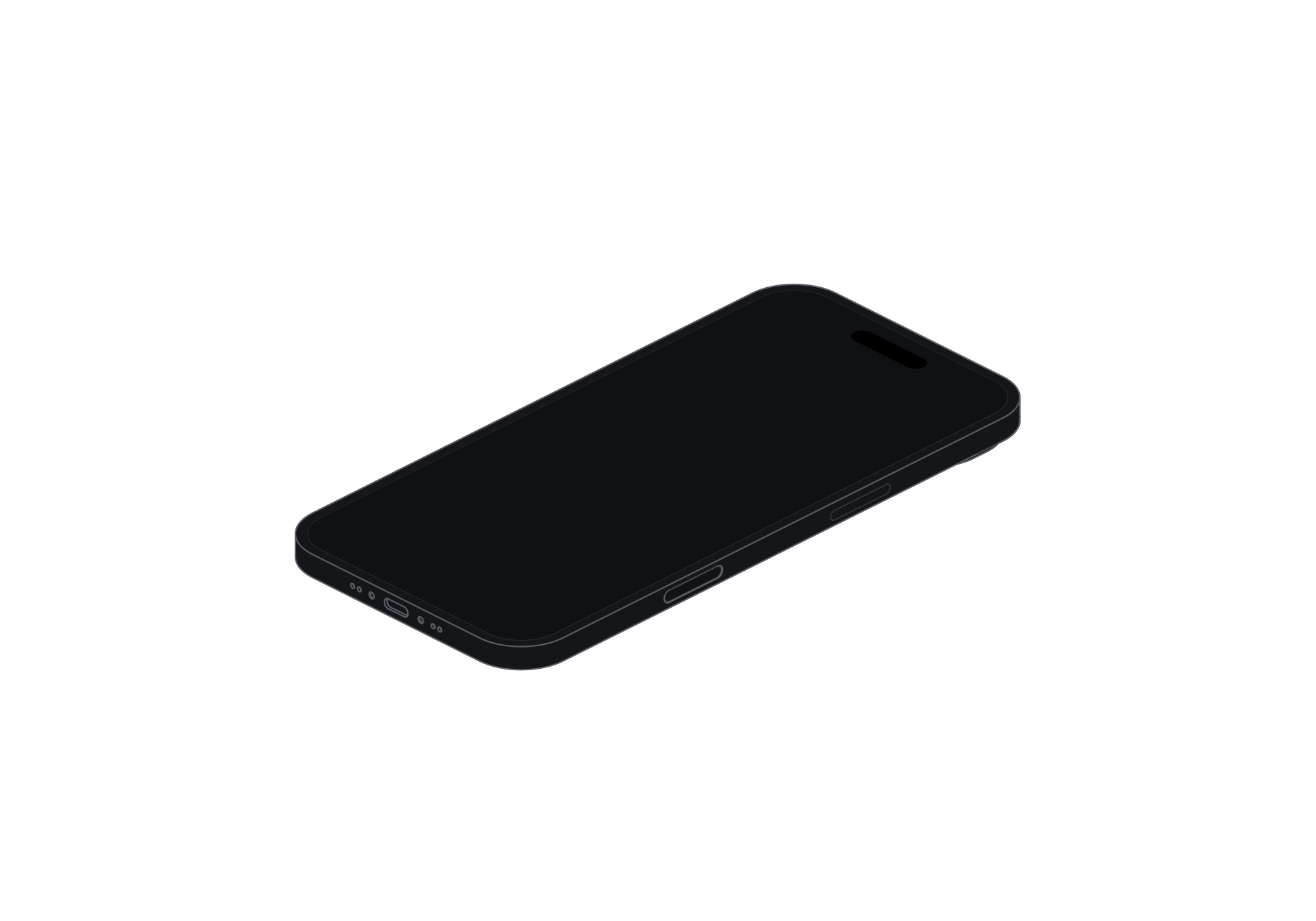
The slim profile and clean outline work well in minimal layouts, feature pages, and app presentations.
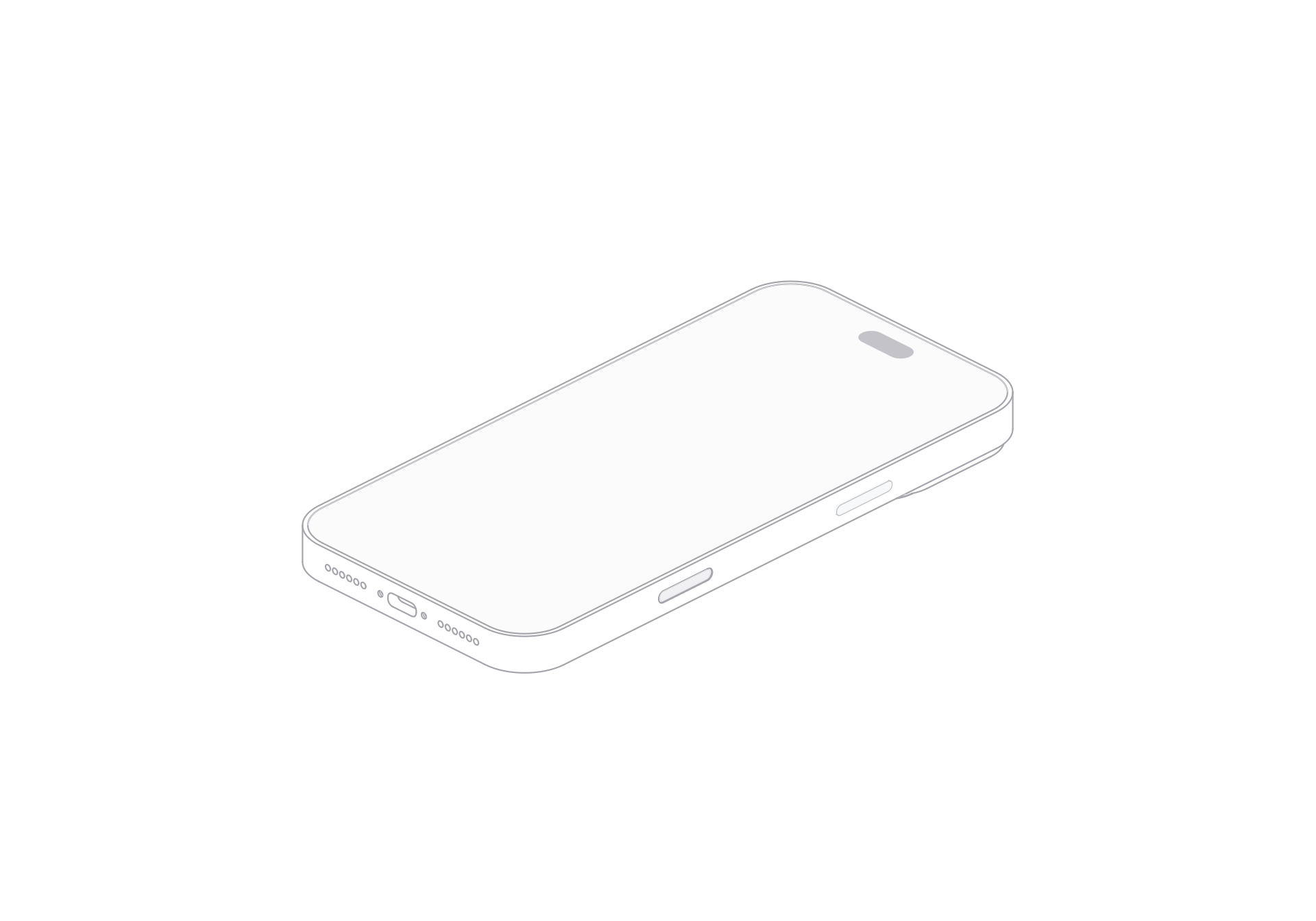
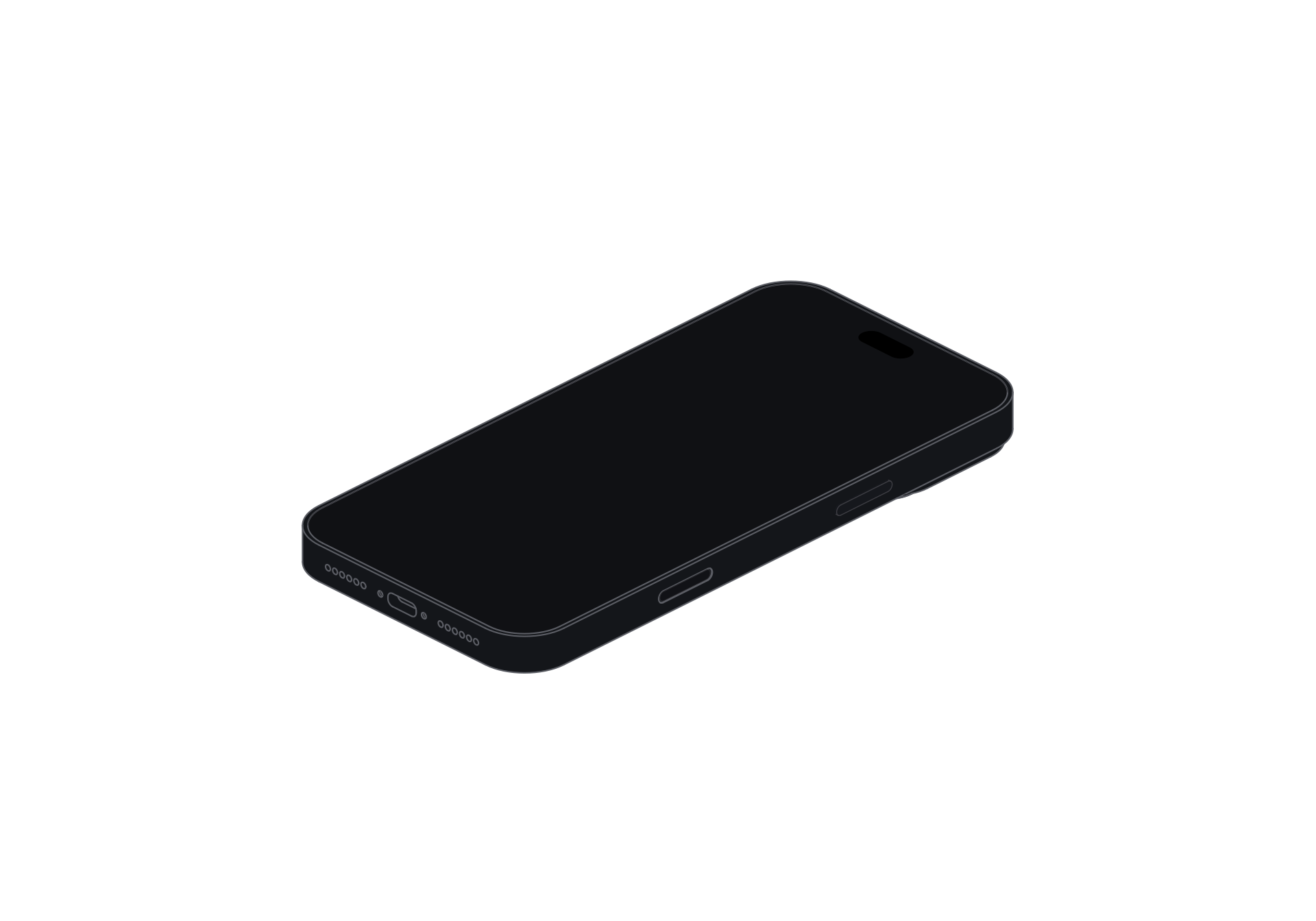
Layered outlines give the screen and camera views depth, which suits product comparisons, feature sections, and launch graphics.
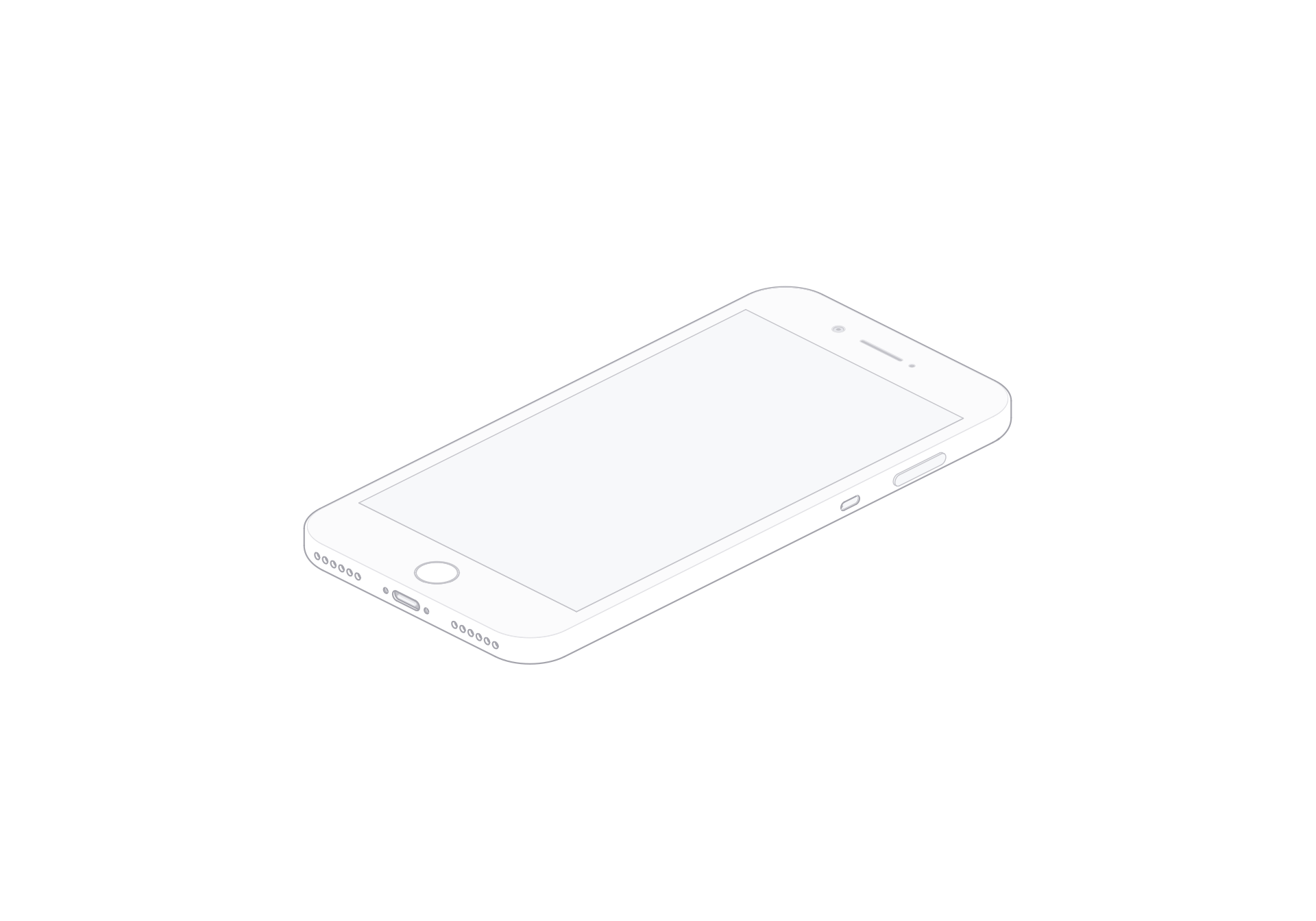
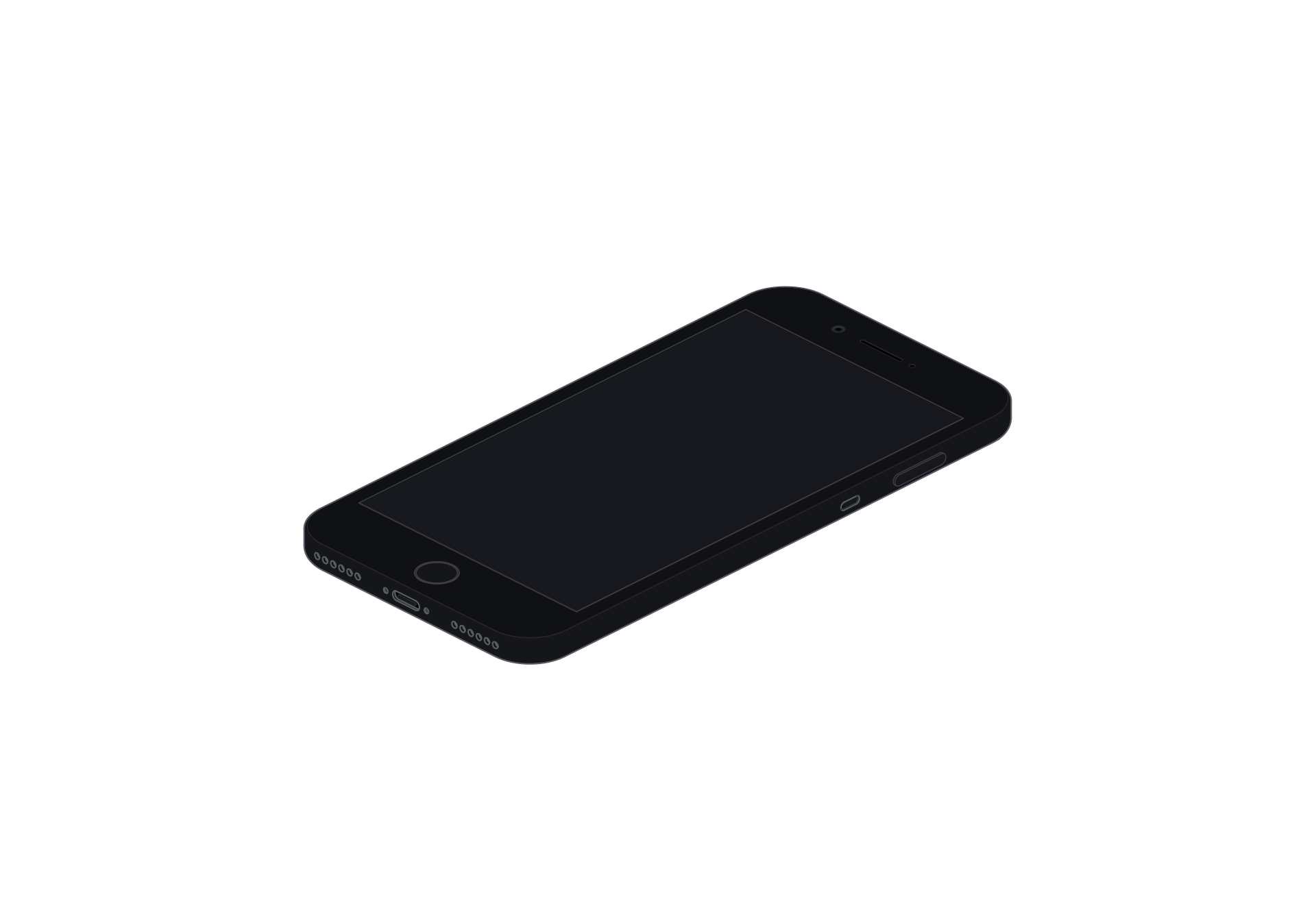
The rounded body, home button, and dual rear cameras make this classic form useful for device timelines and editorial illustrations.
Choose a form that fits the story
Use the slim Air for a light, minimal layout. The Pro and Pro Max add more depth and camera detail for product features or comparisons.
Choose iPhone Duo to show a folding form in motion. Pick iPhone 7 Plus when a classic home button and rounded body fit the context.
Download the view you need
Choose a front or rear view and a light or dark theme on the model page. Export SVG for scalable vector artwork or PNG for a raster image.
Place the exported image in a design or webpage. SVG and PNG are still images.
Questions
Are any iPhone illustrations free to download?
Yes. Models marked free can be downloaded at no charge. Paid models require a single-model purchase or access through the Complete Pack.
Do the downloads include SVG and PNG?
These iPhone models offer both SVG and PNG. SVG scales as vector artwork, while PNG is a raster image. Both exports are still images.
Does this iPhone collection count as a Complete Pack?
This page helps you choose iPhone models. A single-model purchase covers one paid model. The Complete Pack covers the full device collection and future models.