Apple Watch Ultra 4 Concept Illustration: Case and Controls
Explore a concept illustration of an Apple Watch Ultra 4 body, with a broad case, orange-ringed crown, and long side button.
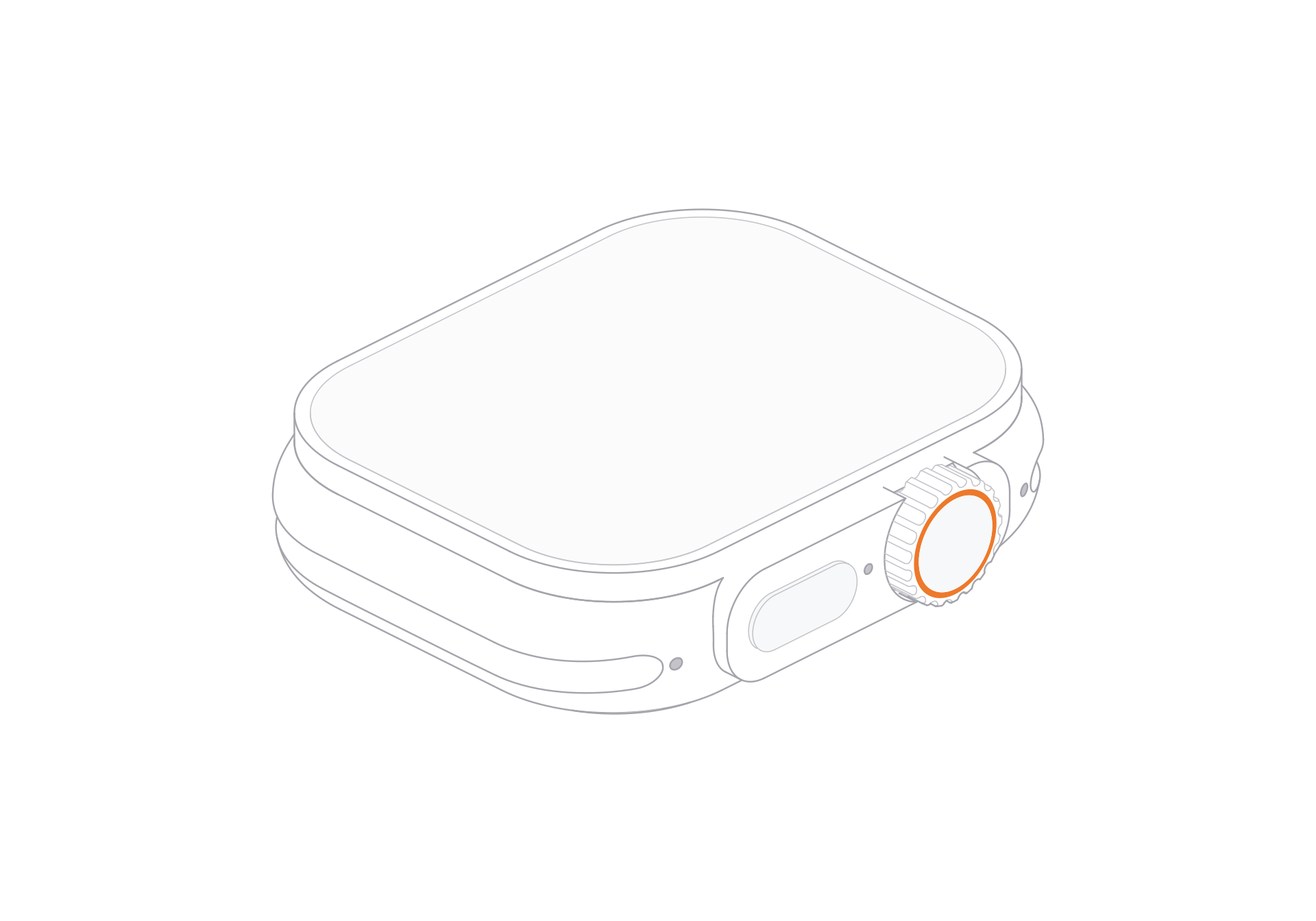
This Apple Watch Ultra 4 concept illustration focuses on the watch body. Its broad case, orange-ringed crown, and long side button make a strong outline beside a small interface. No band appears in the illustration.
The model provides front and rear views, a turn control, light and dark themes, and SVG and PNG artwork.
Give the case room around its controls
The screen occupies most of the top plane. Along the case edge, the crown and long side button sit close together, with the orange ring drawing attention to the crown. Leave margin around that edge in a compact card so the two controls stay distinct.
For a wearable app feature, pair the body illustration with a separate watch-face or activity screen. In a product overview, place it beside one short feature note and keep the image large enough for the case outline to read.
Fit the linework to the canvas
Use the light theme on pale backgrounds and the dark theme on darker panels. The orange crown ring stays as a small accent in both treatments.
Open the free model page, choose a view and theme, then use the SVG export control for a vector image. For PNG, download the model ZIP and choose a PNG file after extracting it. SVG works for flexible resizing; PNG works for fixed image slots.
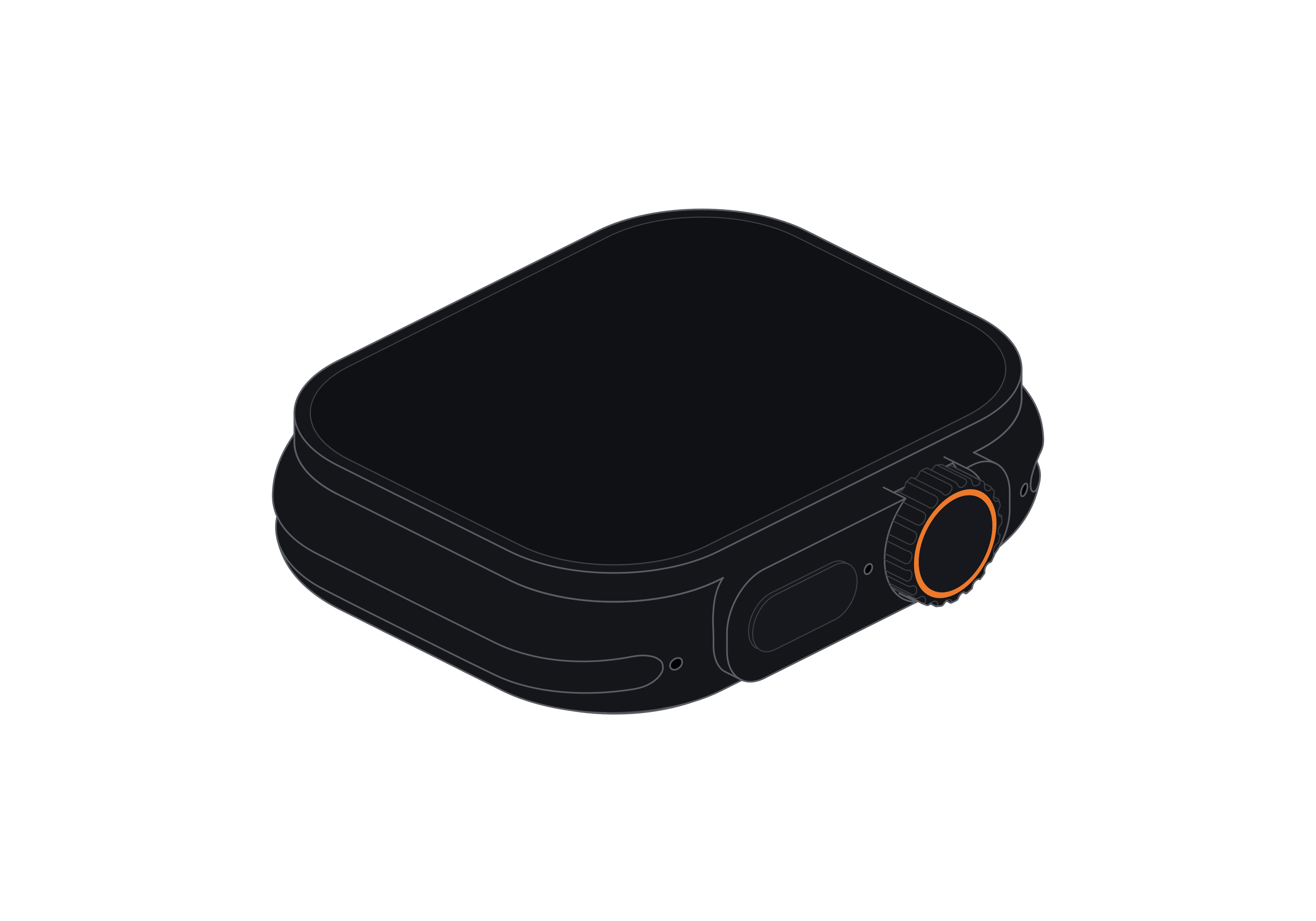
Apple Watch Ultra 4
Free model