iPad Pro Line Art: Front and Rear Views
Use front and rear iPad Pro views to build tablet app, creative workflow, and workspace layouts.
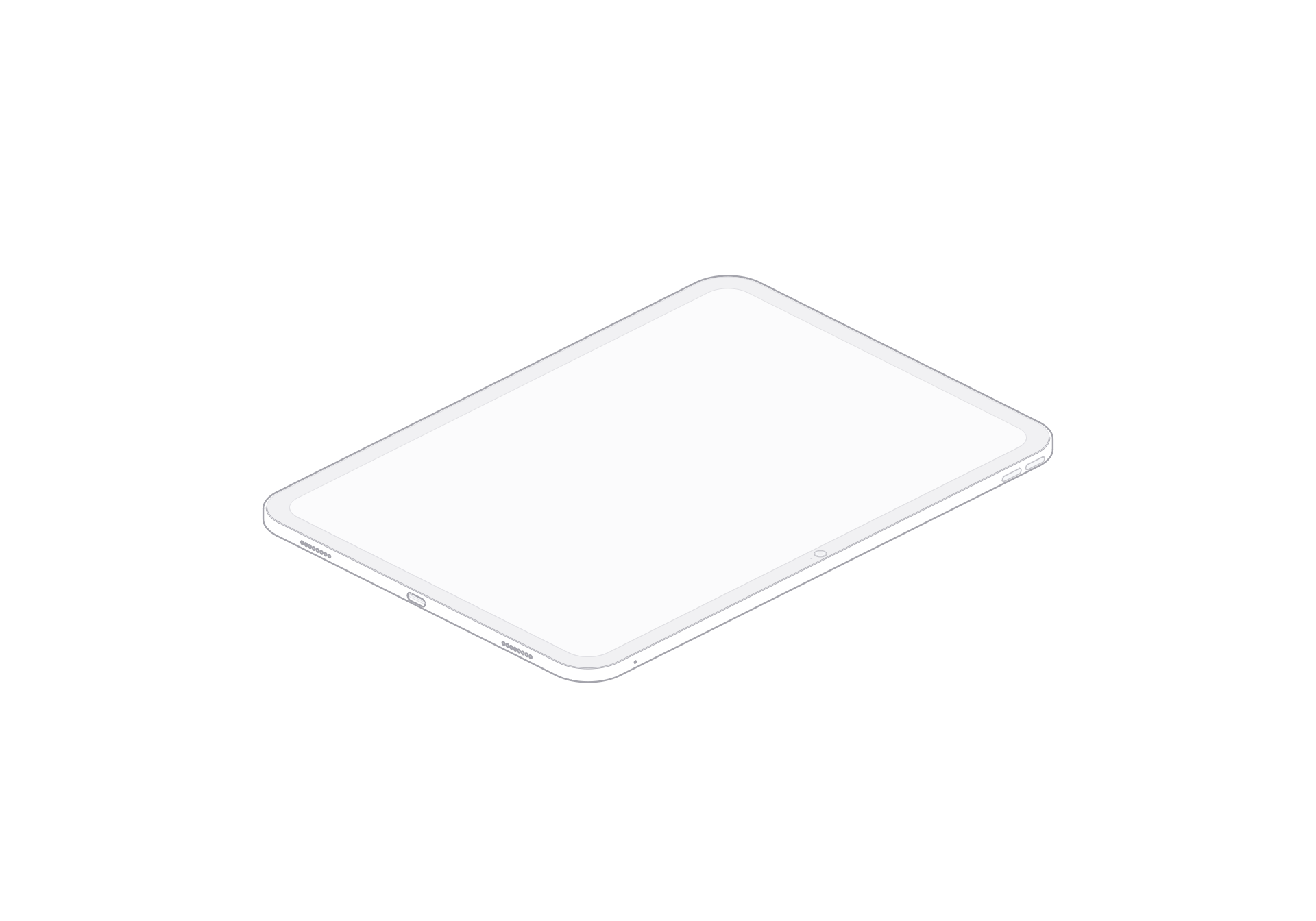
The iPad Pro illustration gives a layout a broad tablet surface. Its large display reads clearly beside app screens, while the rear view adds another device face for product and workspace graphics. The viewer provides front and rear views, a turn control, light and dark themes, and SVG or PNG exports.
A wide display for app layouts
The front view creates a broad, simple area beside a tablet interface mockup. Keep the device and your screen design separate so readers can tell which image explains the app. The rear view adds a counterpoint in a product overview. Pairing both views can move a presentation from the user-facing surface to the complete device shape.
Build a roomy workspace composition
In a creative workflow page, place the tablet beside a canvas, document, or app interface. Keep the device smaller than the actual interface image so the interface carries the feature detail. A wide hero can pair the front view with a short feature list, while the rear view fits a secondary panel. Choose a theme for the background. Export SVG for responsive sizing or PNG for a fixed image slot.
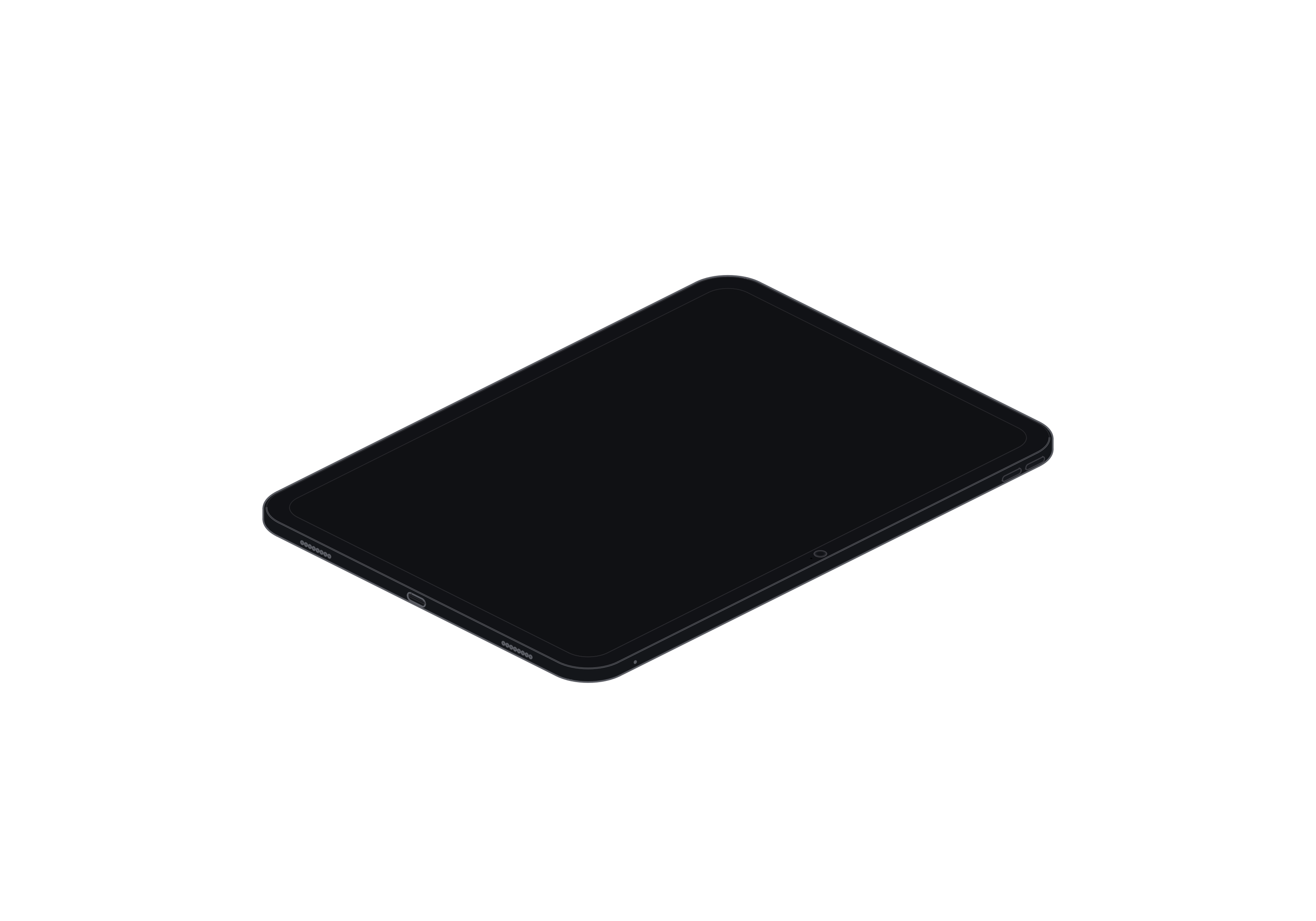
iPad Pro
Single model · $6