iPhone 18 Pro Concept Illustration: Front and Rear Views
Explore a concept illustration of iPhone 18 Pro, with front and rear compositions for product comparisons and launch concepts.
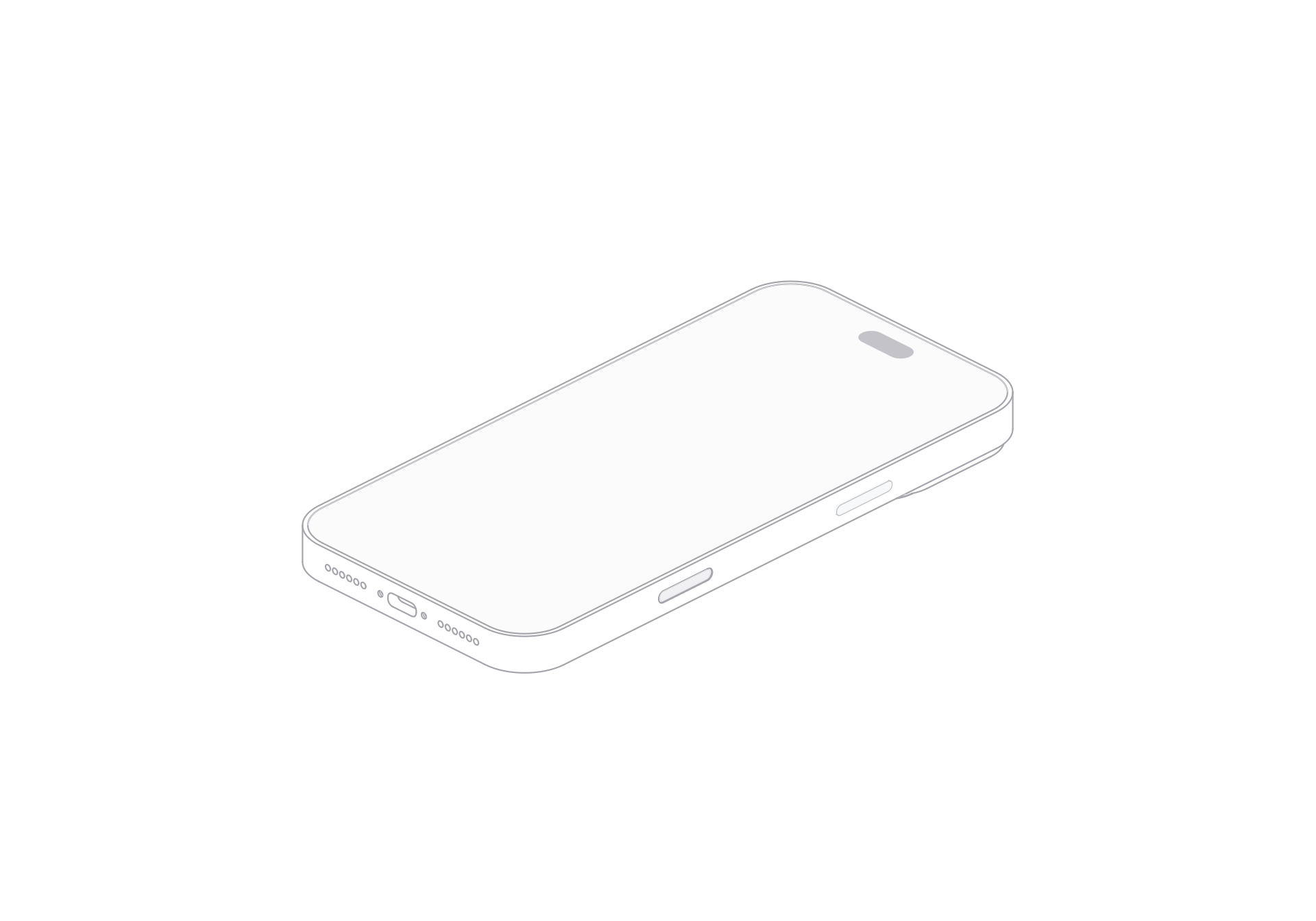
This concept illustration of iPhone 18 Pro explores how the body and camera grouping read in a product graphic. The front and rear compositions suit product comparisons, launch concepts, and editorial layouts.
The viewer provides front and rear compositions, a turn control, light and dark themes, and SVG or PNG exports.
Balance the screen and camera composition
From the front, the large display area creates a simple field for a headline or interface mockup nearby. The rear view shifts attention to the camera and body arrangement. Looking at both sides helps keep a comparison graphic balanced when the two faces carry different amounts of detail.
Keep the device illustration separate from interface artwork. Place a screen design beside it when the page needs to communicate an app feature. The model itself supplies the body composition, not the app content.
Switch the face and theme
Choose front or rear to set the main face in the layout. The turn control moves through the prepared views of the concept model. Pick the frame that keeps the camera grouping or screen edge readable at the size you need.
The dark preview works on a darker canvas beside a light interface card.
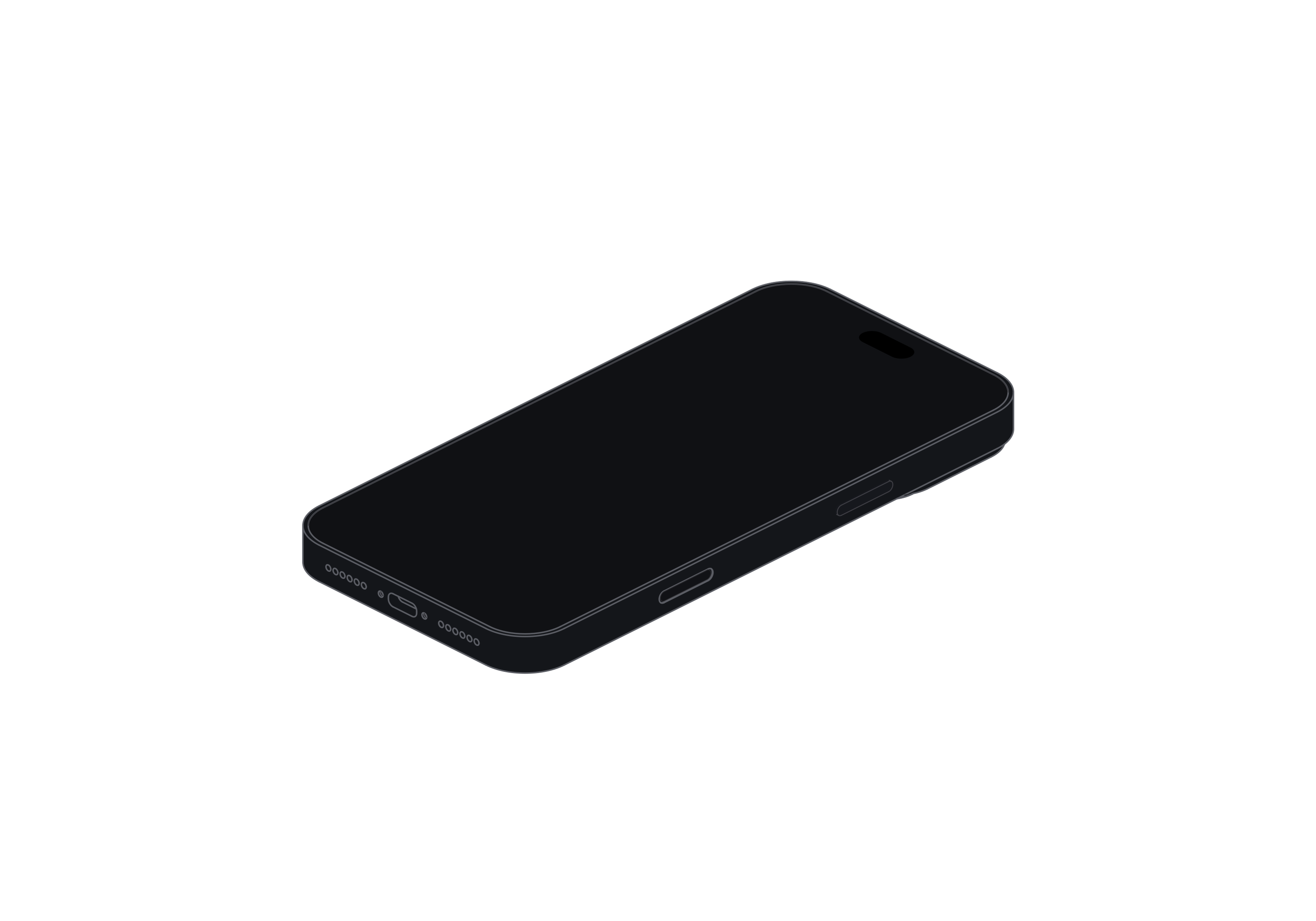
Use the concept in a layout
A launch-concept slide can place front and rear views side by side. A comparison article can use one face per column and keep scale, spacing, and background consistent. For a mobile feature page, use the front view beside a separate interface image.
Export the selected view as SVG or PNG. The standalone viewer keeps the controls.
iPhone 18 Pro
Single model · $6