iPhone 7 Plus Line Art: A Classic Phone Outline
See the home button, dual rear cameras, and rounded body in an iPhone 7 Plus illustration for timelines and editorial layouts.
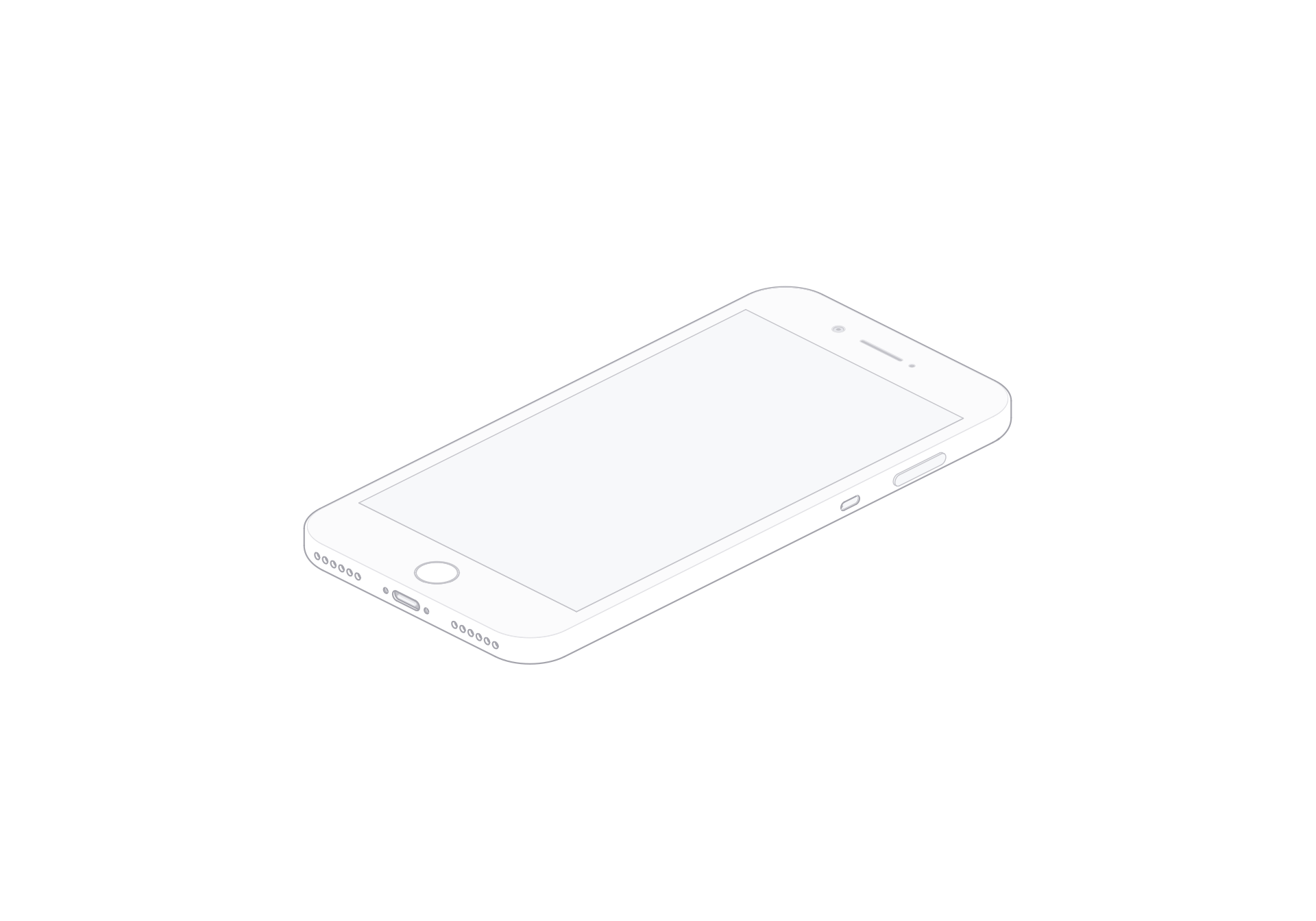
The iPhone 7 Plus illustration brings together three familiar cues: a rounded body, a circular home button and a pair of rear cameras. Those details give the model a clear place in a device timeline or an article about phone design. The viewer offers front and rear views, a turn control, light and dark themes, and SVG or PNG exports.
Two recognizable faces
On the front, the home button anchors the lower edge of the display and stays readable at small sizes. On the rear, the dual-camera arrangement shifts detail toward one corner. Use the front for an interface-history graphic; choose the rear for a camera-layout comparison. A timeline can alternate the two, with consistent labels and scale. Leave room around the home button and camera corner in narrow cards.
Set up an editorial comparison
Align the phone along a shared baseline in a device timeline. For a legacy app concept, place the front view beside the interface example and keep the model as a device cue. Use the dark theme on a dark panel and the light theme on a bright background. Export SVG for flexible resizing or PNG for a fixed image slot. Both are still images; use the standalone viewer to change the available controls.
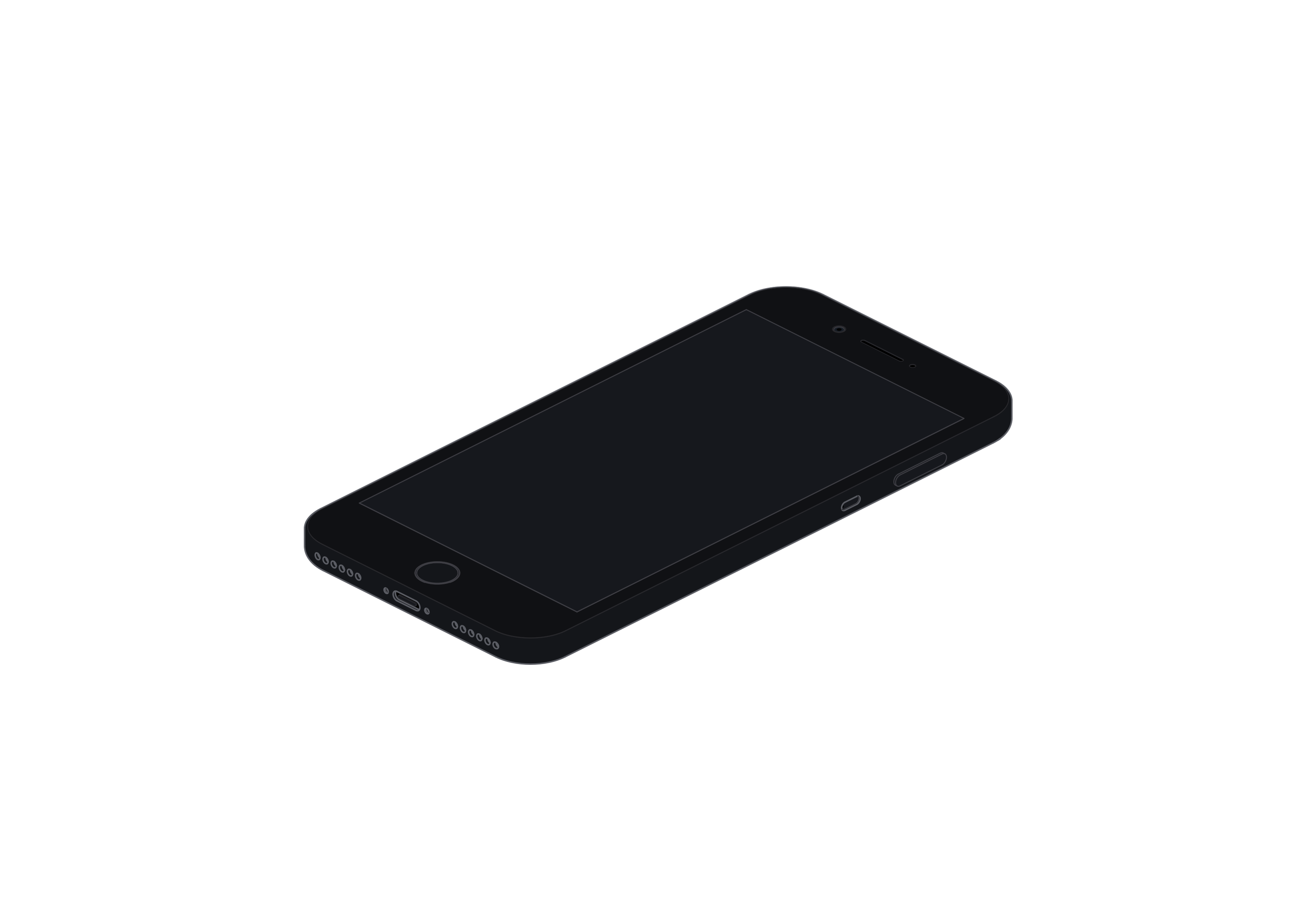
iPhone 7 Plus
Single model · $6