iPhone Air Line Art: Slim Side Profile
See the slim profile and front and rear views in this iPhone Air illustration. Choose a theme and export SVG or PNG.
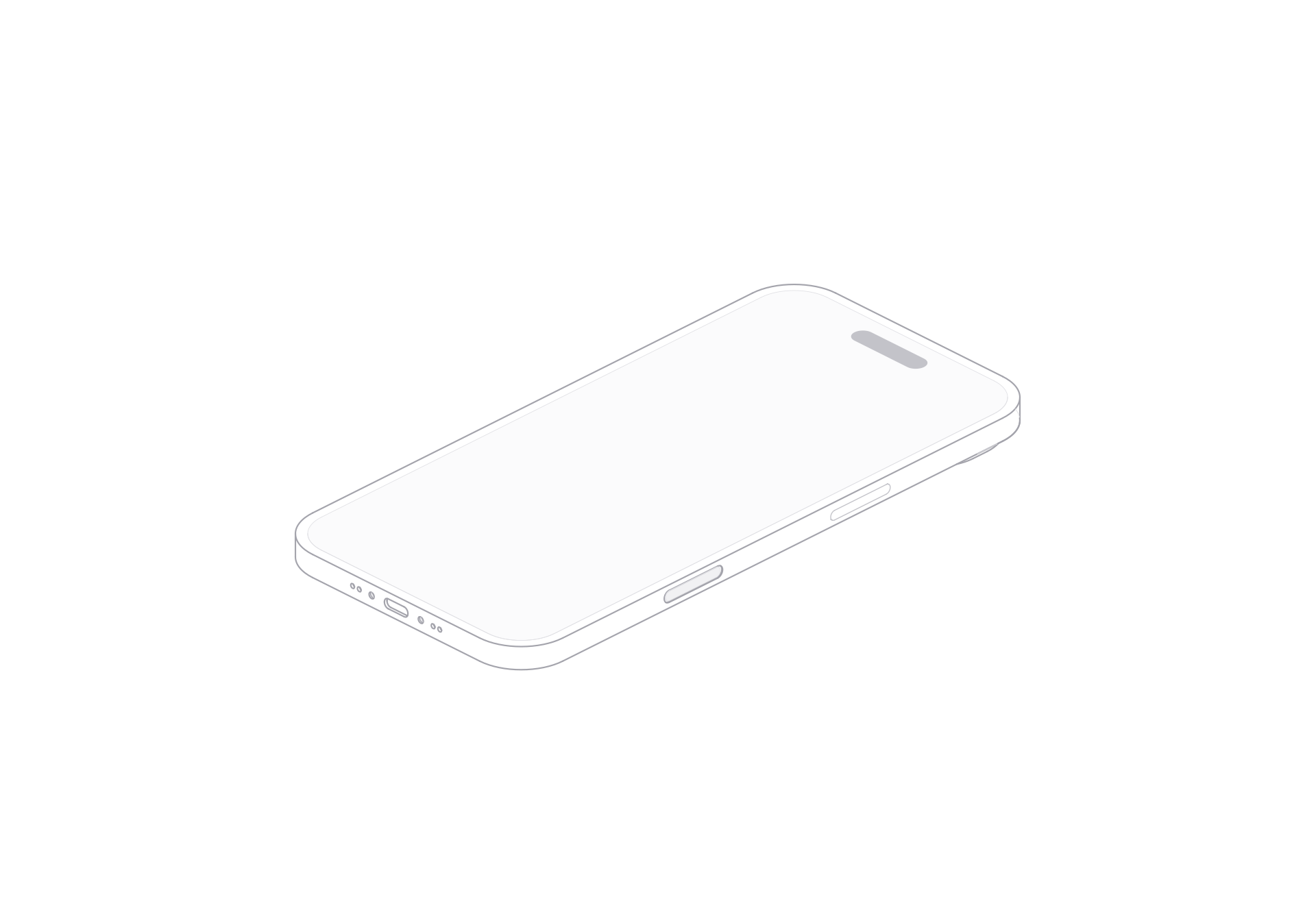
The iPhone Air model centers on a slim phone silhouette. Its side edge is easy to read where the front and rear faces meet. That thin band changes how the device sits in a layout: it adds depth without taking much visual weight.
The viewer provides front and rear views, a turn control, light and dark themes, and SVG or PNG exports.
A slim edge within the phone outline
In the isometric drawing, the screen and back form two broad planes. The side edge links them with a narrow strip. Rounded corners keep the phone outline continuous as that edge turns away from the viewer.
This profile is useful when a layout needs to suggest a phone without letting the device dominate the page. A small illustration can sit beside a feature heading, app screen, or short product note. The visible edge still separates front from back at that scale.
Choose a view and theme
The model provides front and rear views. Use the view control to choose which face leads the composition. The turn control moves through the prepared product views, so you can find an angle that keeps the edge visible beside the screen or rear surface.
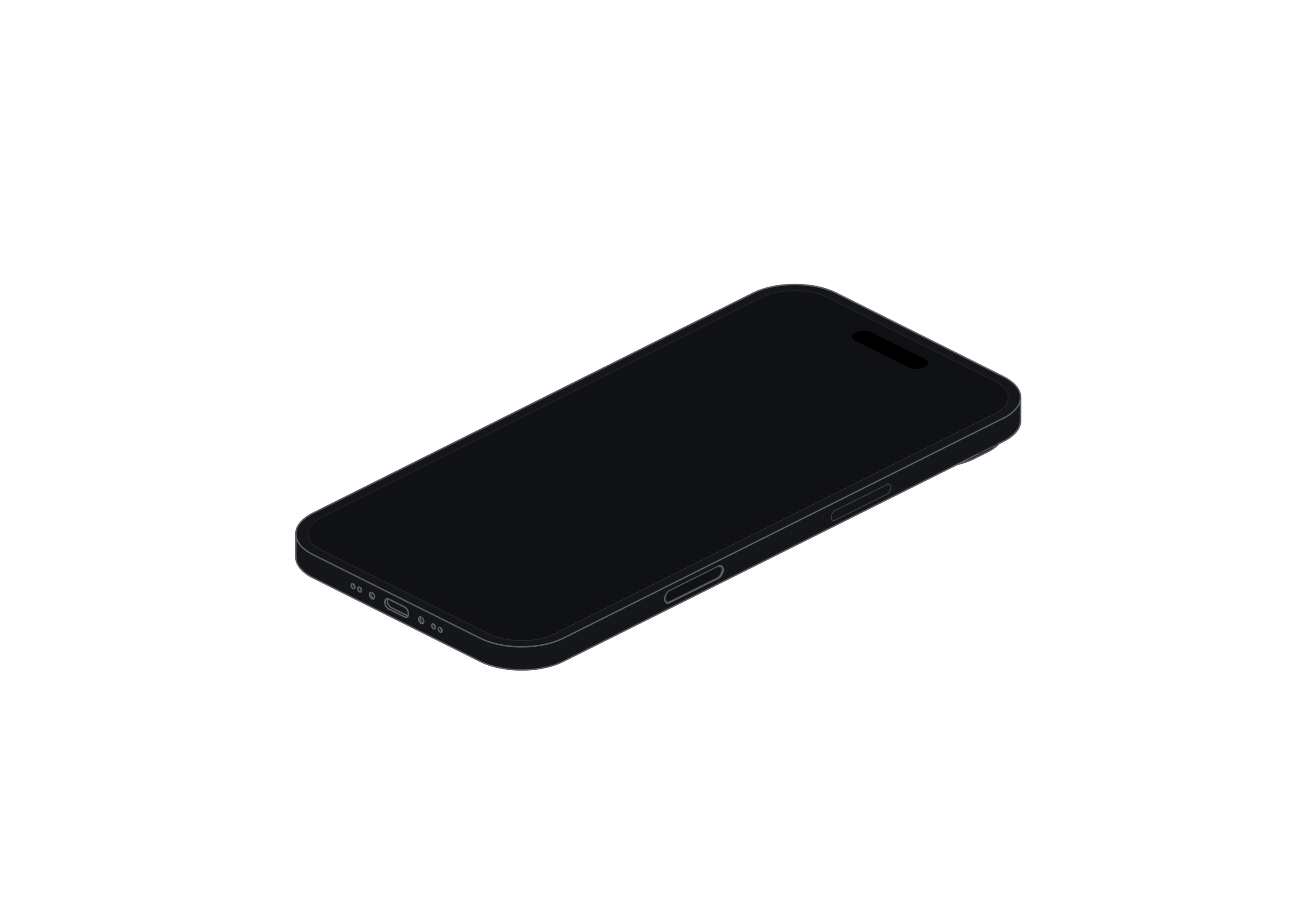
Light and dark themes change the line treatment for different backgrounds. Choose the one that keeps the thin outline clear against your canvas.
Place the phone, then export
For a narrow mobile feature card, leave room around the phone so the side edge remains legible. In a comparison row, align its base with nearby devices and use the front or rear view consistently. For a landing-page hero, pair the illustration with a real interface image if the story depends on what an app does.
iPhone Air
Single model · $6