Mac mini Line Art: Compact Desktop Views
Explore front and rear Mac mini views for desk setups, desktop software pages, and hardware diagrams.
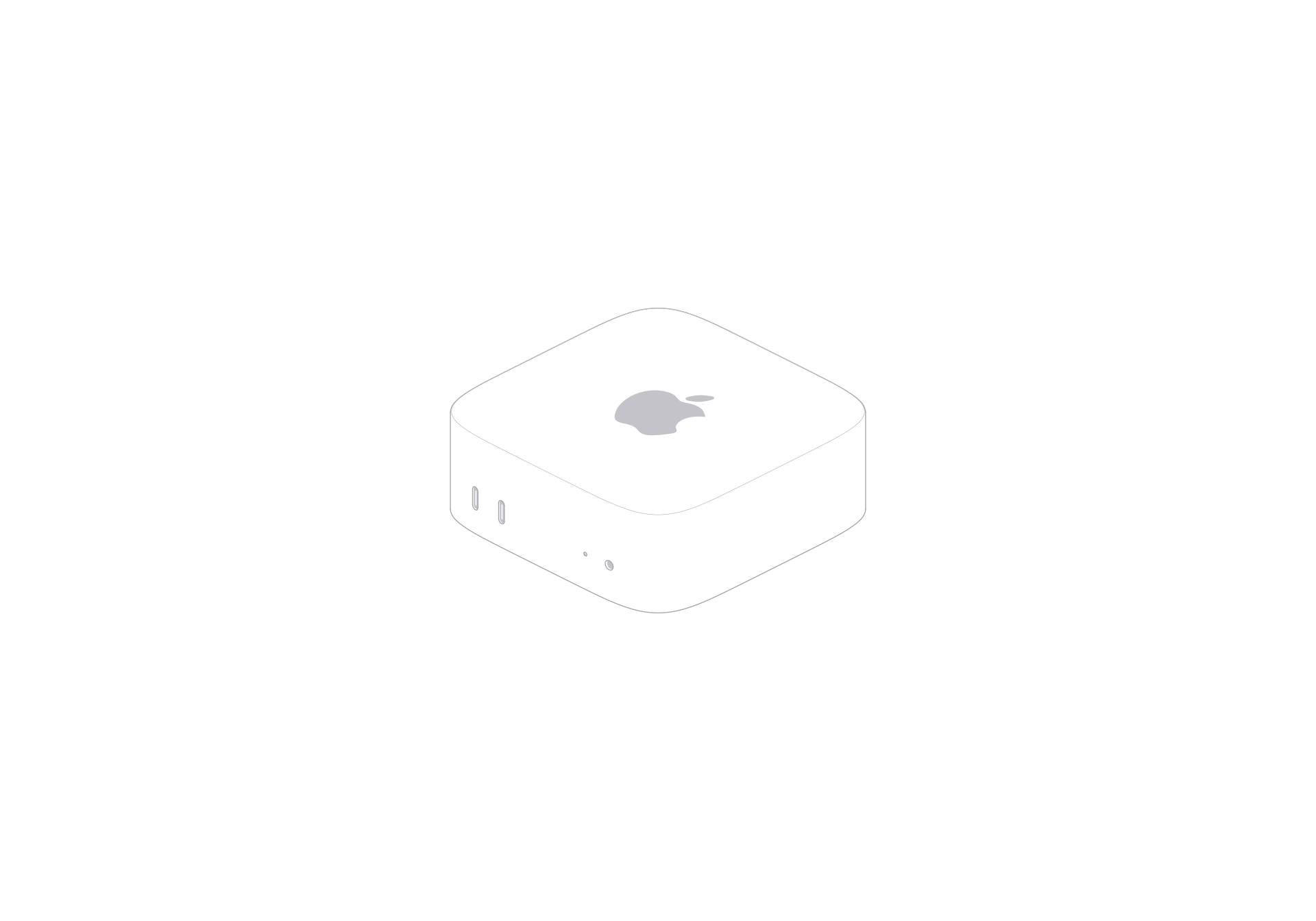
The Mac mini illustration keeps attention on a compact desktop enclosure. Its low rounded-square case has a flat top and a visible front edge. Small openings along the front distinguish it from a blank box. Front and rear views bring the body and connection details into a desk layout. The viewer includes a turn control, light and dark themes, and SVG or PNG exports.
A compact case on the desk
The shallow enclosure reads well beside a monitor or keyboard. The front view works when the computer should feel close to the viewer. Choose the rear view when the layout needs to show connection areas as part of a setup. Keep the computer smaller than the monitor in a desk composition, leaving space for the screen or the task being illustrated.
Show the case in context
A desktop software page can pair the front view with a monitor image and a short workflow caption. A hardware diagram can use the rear view beside labels added in the design file. The illustration supplies the enclosure; add text where the layout needs to explain a connection or setup. Use a light or dark theme for the page. SVG scales for responsive layouts, while PNG fits a fixed image slot.
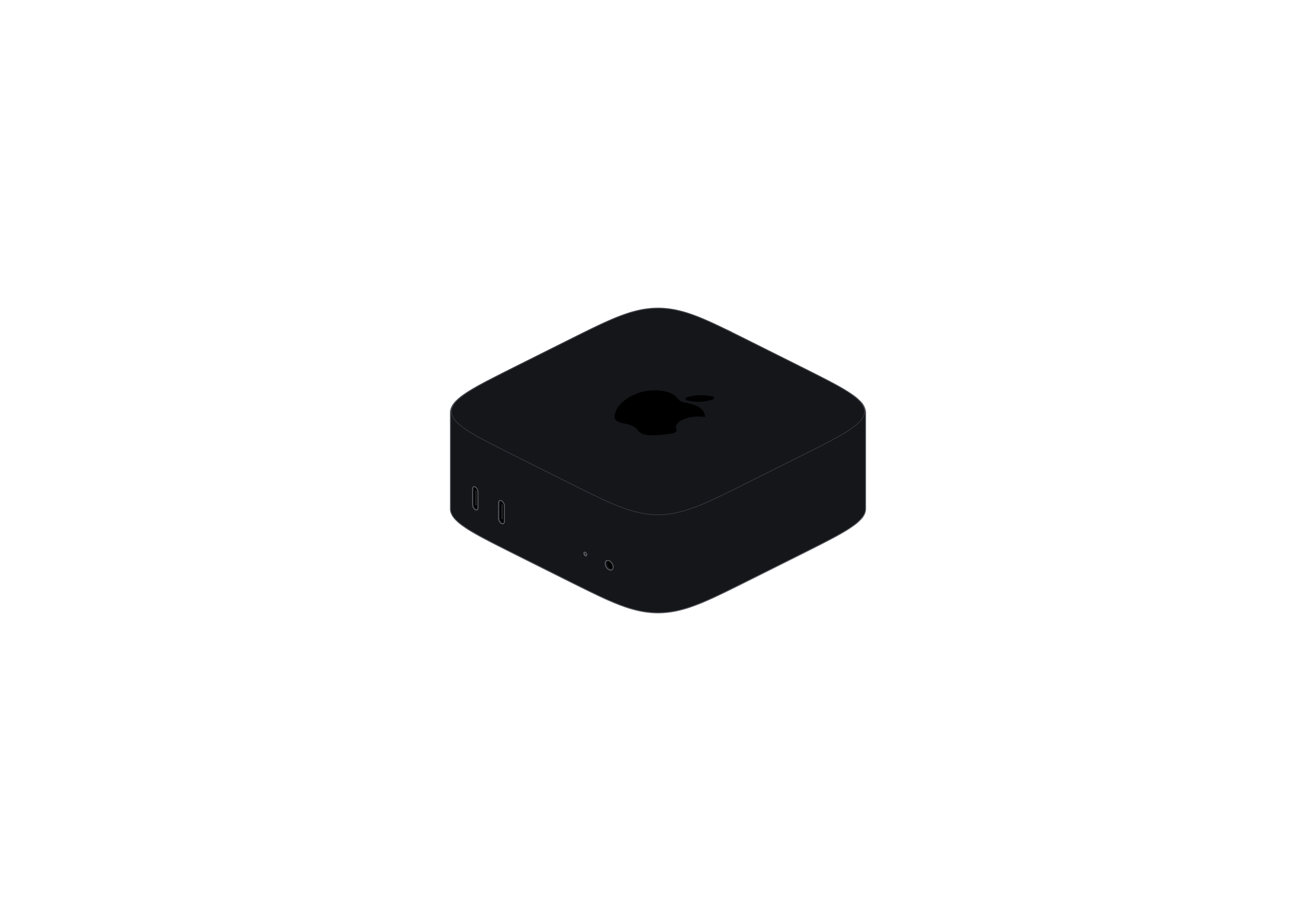
Mac mini
Single model · $6