Vision Pro Line Art: Curved Headset Views
See the curved front and headband details of a Vision Pro illustration for spatial app pages and presentation graphics.
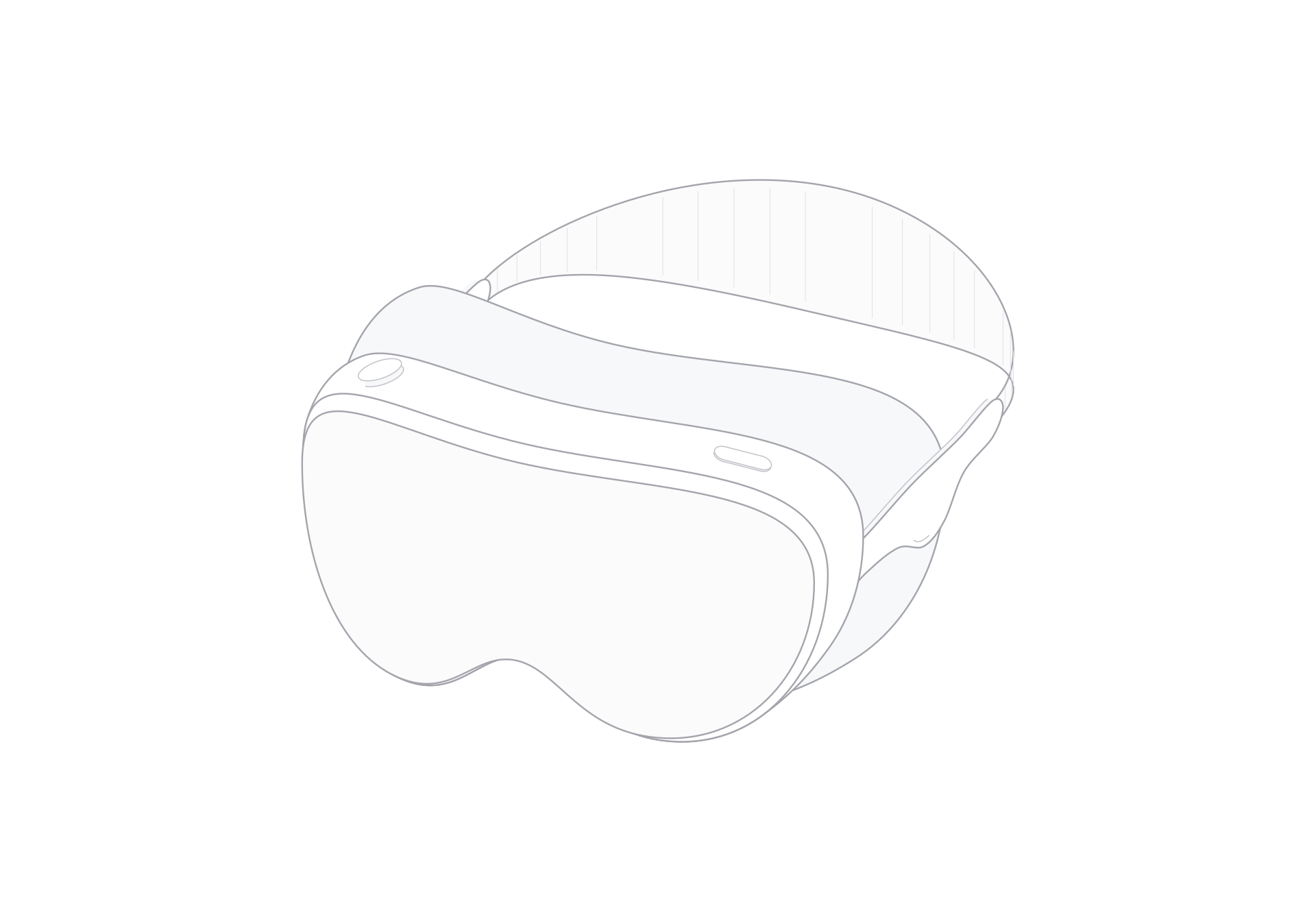
Vision Pro has a broad curved front that reads as one continuous surface in this illustration. The side connection leads back to an arcing headband. Together, those shapes make the headset recognizable even when the artwork sits beside interface screens or diagrams.
Use this Formline model when a page needs to show a headset as part of a spatial-computing idea. The viewer provides front and rear views, a turn control, light and dark themes, and SVG or PNG exports.
A curved front, with a clear line to the band
The front face bends across the width of the headset. The outline follows the front curve across the headset. On the side, a connector leads toward the headband, whose arc makes the rear outline easy to recognize.
These lines help the headset hold its shape in a spatial app introduction, an immersive-workflow page, or a presentation about a virtual environment. Use the illustration as a device cue. Add interface panels, a room diagram, or explanatory labels separately when the page needs to show what the experience contains.
Select a composition for the page
The viewer provides front and rear views and a turn control for moving through the prepared model views. Choose a composition that keeps the curved front visible when the story is about the headset. Use the rear view when the band and connection should carry more of the silhouette.
Light and dark themes let the line art sit on different canvas colors. Choose the one that gives the outline enough contrast.
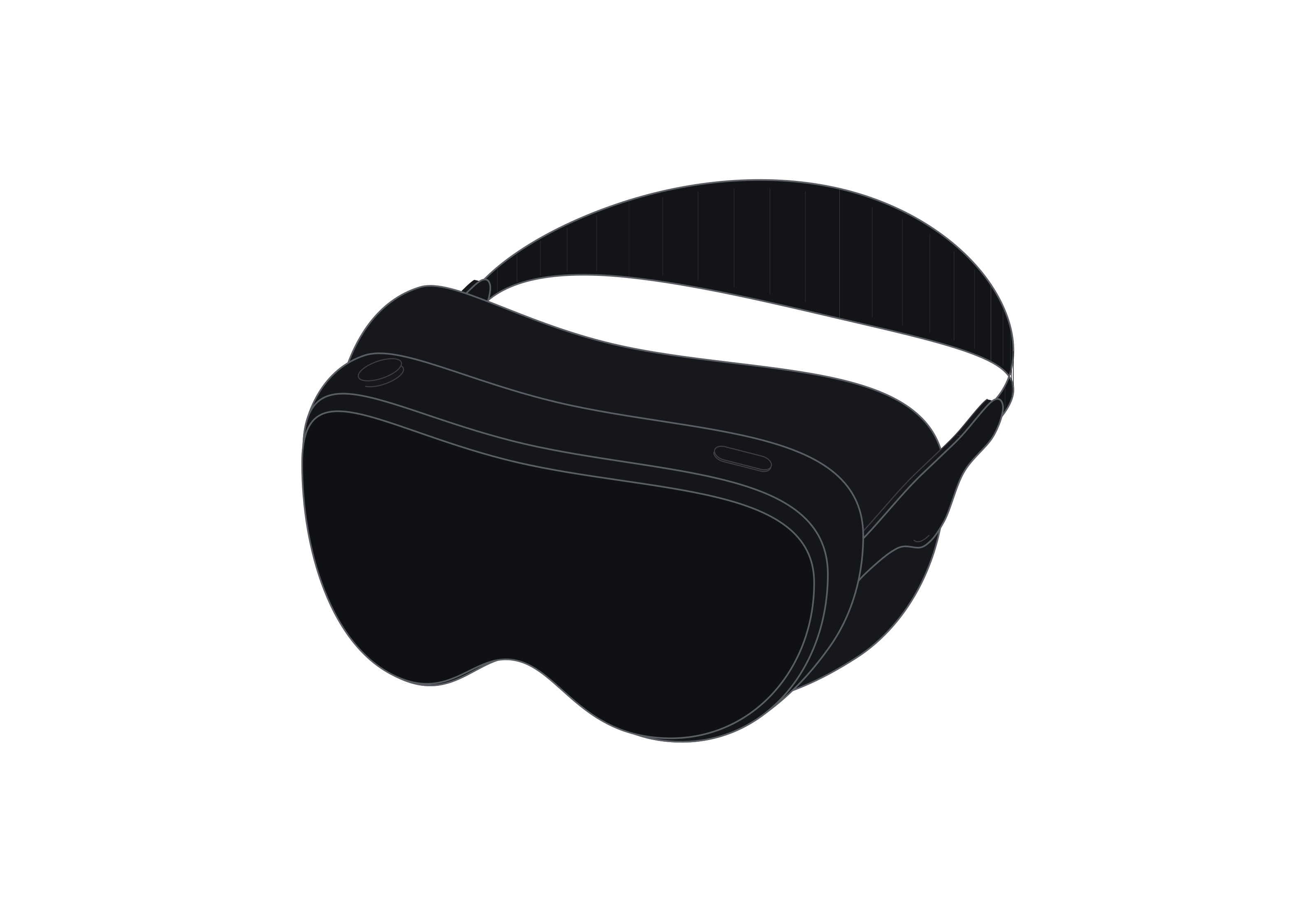
Compose the scene and export
For a spatial-computing page, place the headset near a short explanation and let the curved front establish the device. A wider presentation can pair it with separate interface cards or a simple environment sketch. Keep enough space around the band so its arc does not merge with nearby graphics.
Export the selected view as SVG or PNG. The standalone HTML viewer keeps the controls.
Apple Vision Pro
Single model · $6