Free MacBook SVG Line Art: Air and Pro
Compare the MacBook Air 13-inch and MacBook Pro 16-inch illustrations by screen, base proportions, and lid pose. Both current MacBook models are free to download.
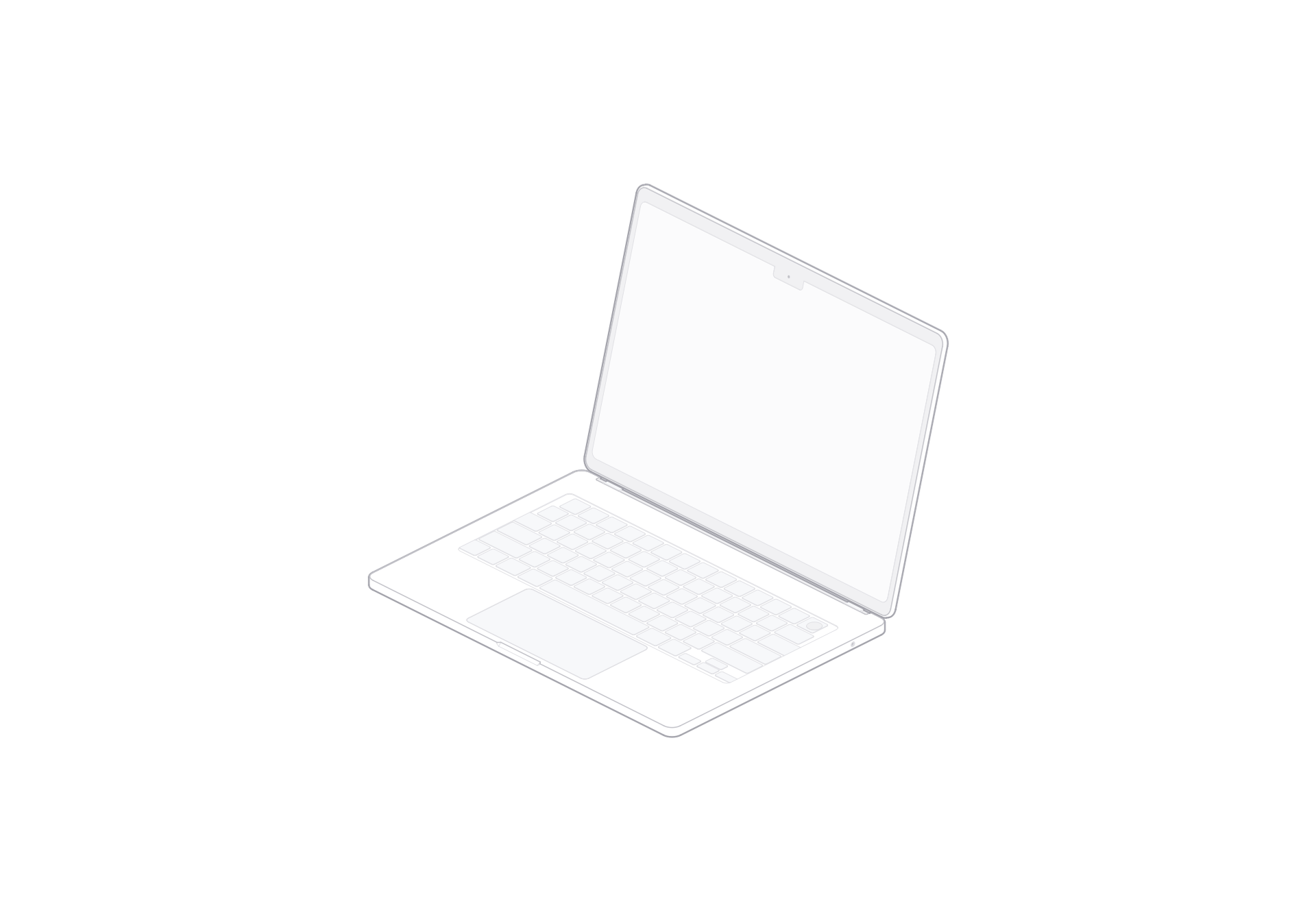
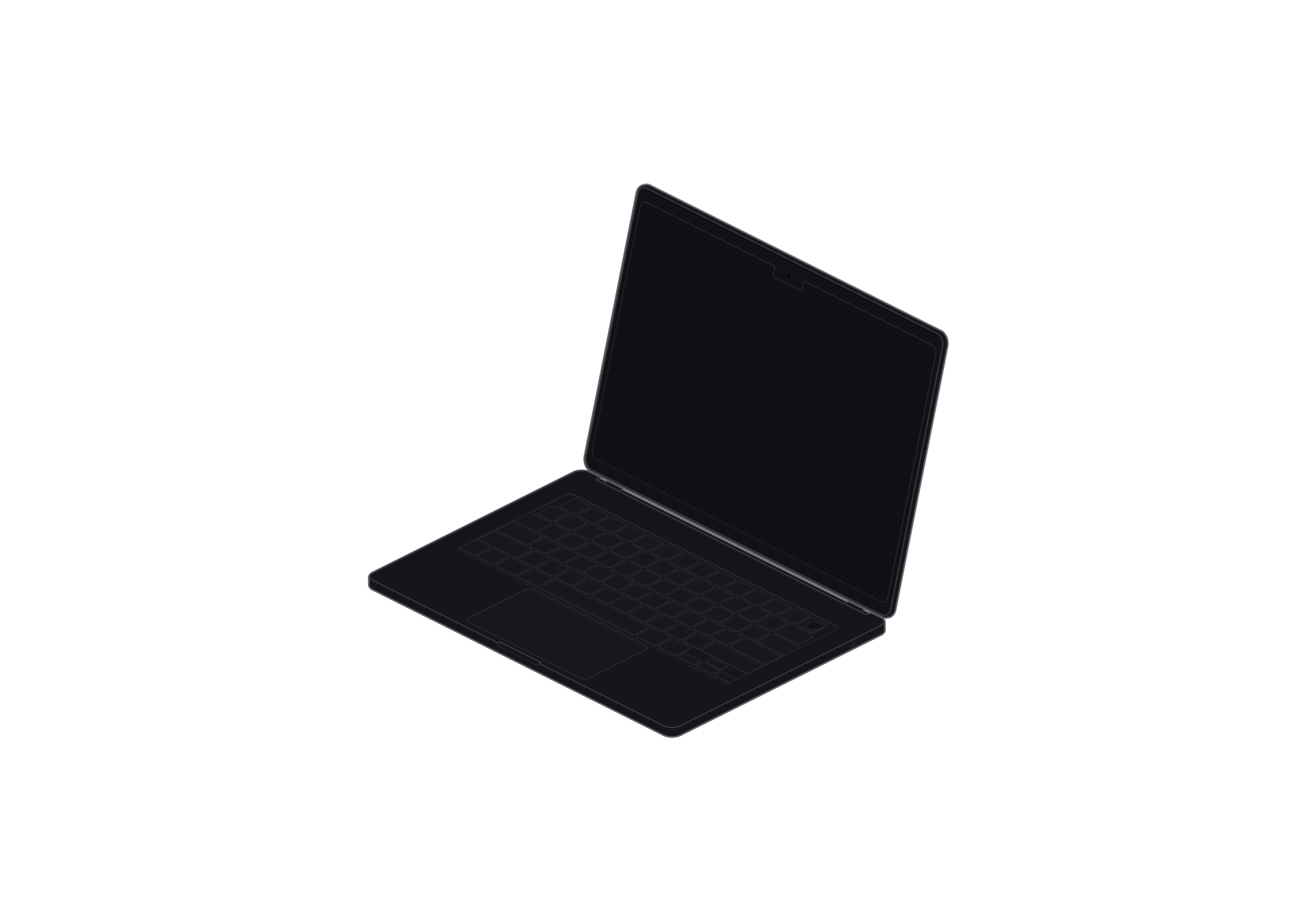
The 13-inch Air pairs a thin base with a notched display and centered trackpad.

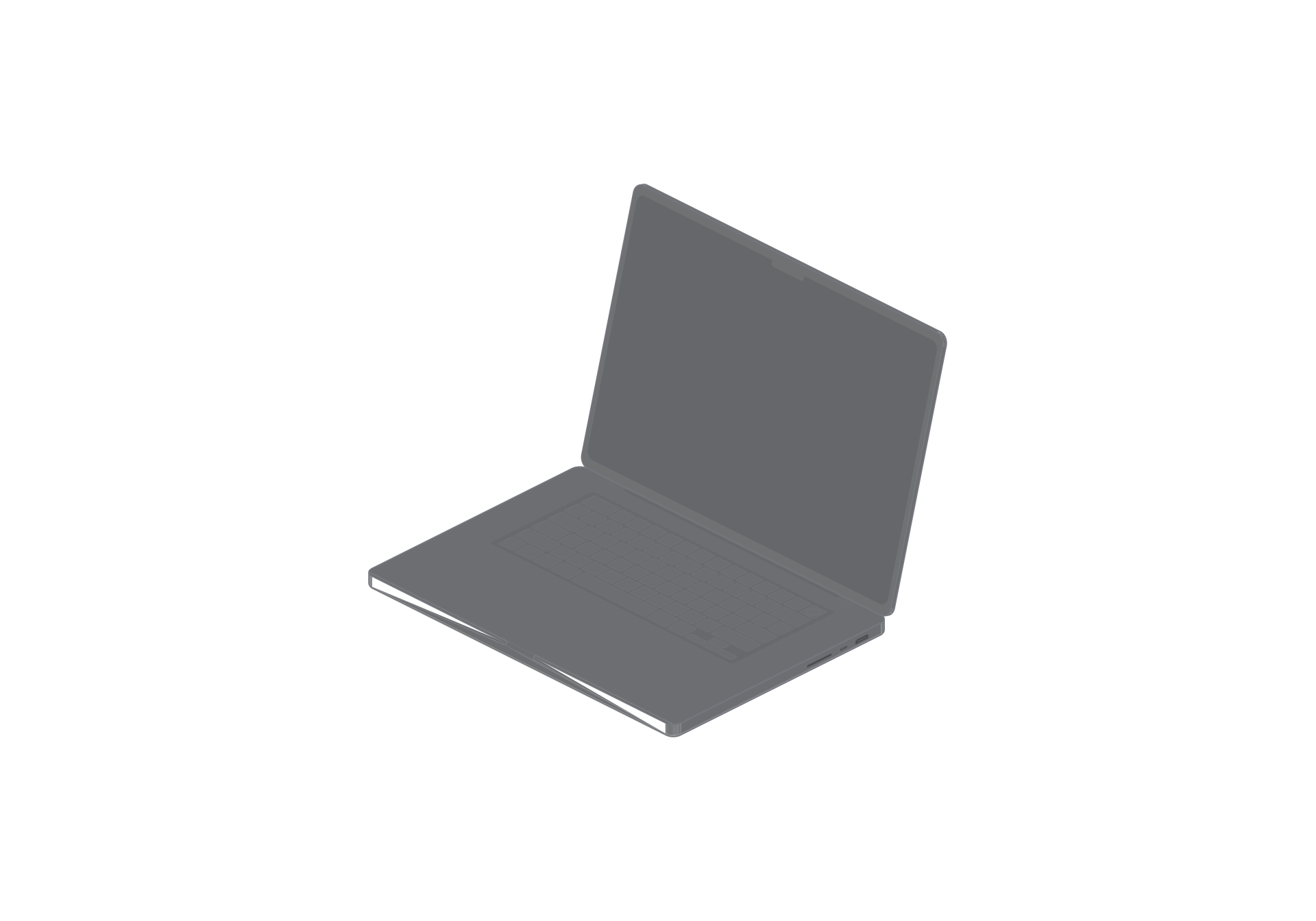
The 16-inch Pro has a broader base and larger keyboard area, with speaker grilles along the keyboard sides.
Compare Air and Pro proportions
The 13-inch Air has a thinner outline for a compact workspace. The 16-inch Pro takes up more space and gives a product layout a wider screen and base.
Open views show the screen and keyboard together. Closed views focus on the outer lid and compact silhouette.
Edit MacBook SVG line art
Download SVG when you want to adjust vector paths, color, or placement in compatible design software. Choose PNG when you need a ready-to-place image.
Questions
How do the Air and Pro silhouettes differ?
The 13-inch Air has a thinner profile. The 16-inch Pro has a wider screen and base.
Can I edit the MacBook SVG?
Yes. SVG is vector artwork that you can edit in compatible design software.