24-inch iMac with M6: SVG Line Art for Desktop Layouts
Explore silver 24-inch iMac with M6 SVG line art, showing the all-in-one display, centered camera, lower bezel, and stand for desktop workspace layouts.

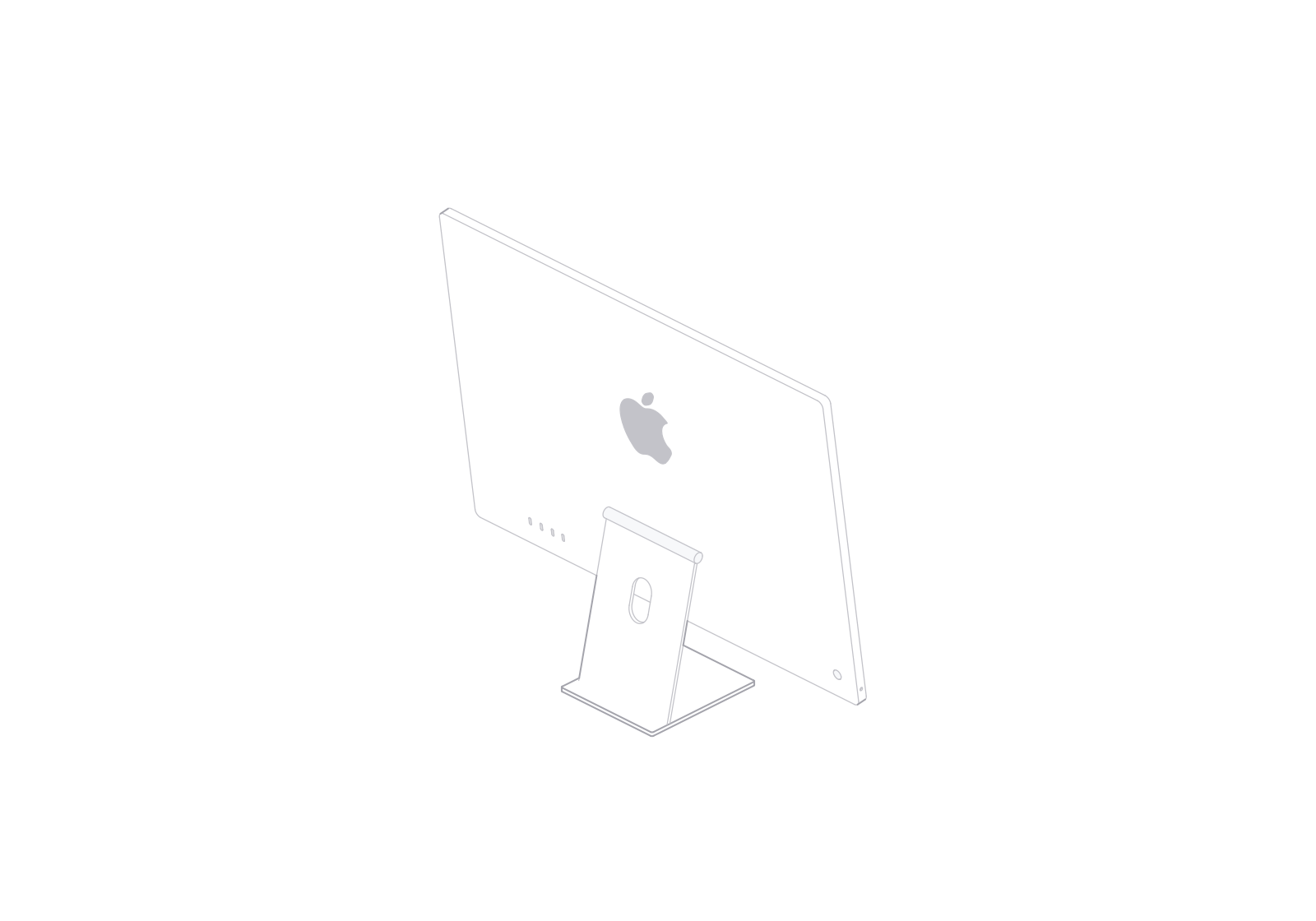
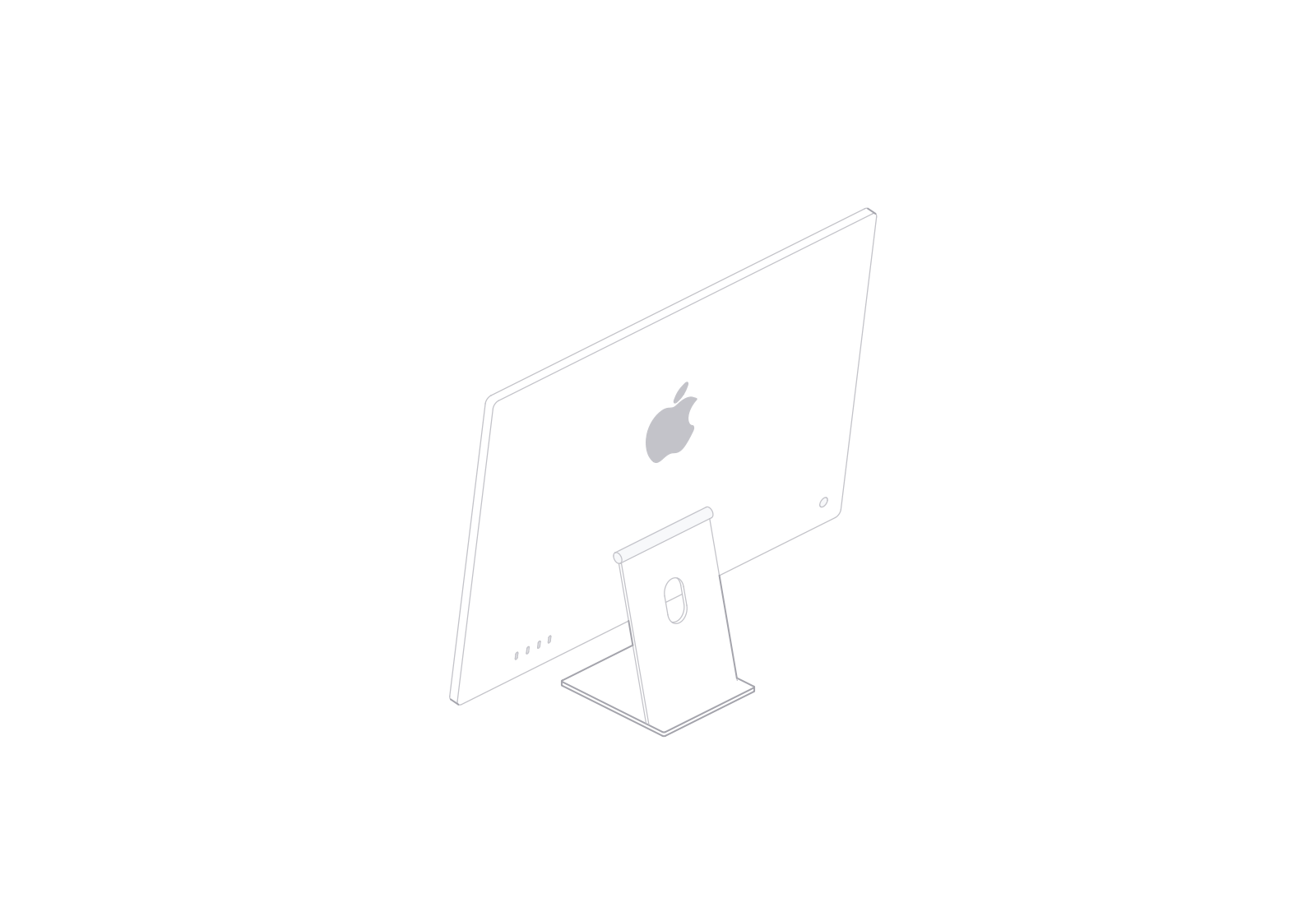
This silver 24-inch iMac with M6 line illustration shows the display and stand as one desktop silhouette. The centered camera, broad lower bezel, and round hinge help identify the front; the rear Apple mark and four-port layout distinguish the back.
A display with an integrated stand
The thin display body meets a short stem and a flat foot. Keep the full stand in frame when using the iMac in a desk scene so its all-in-one form stays clear.
The illustration shows a four-port rear layout. Apple lists four Thunderbolt 4 ports for its 12-core M6 configuration; the 10-core configuration has two.

Front and rear in a workspace layout
Use the front view as the main device in a desktop workspace overview. At 90°, the turned view shows the back and stand from an oblique angle. The 180° view faces the rear and brings the Apple mark and ports into the composition.
The display area stays blank in the illustration. Add your own screen content or interface artwork separately when the page needs it.
Turn the illustration from 0° to 180°, switch between front and rear views, and choose a light or dark theme. SVG and PNG exports are available.
24-inch iMac
Free model