iPhone 18 Pro Max Line Art: A Broad Screen and Clean Edges
Explore the iPhone 18 Pro Max illustration’s broad screen, oval cutout, and visible side and bottom details for mobile product layouts.
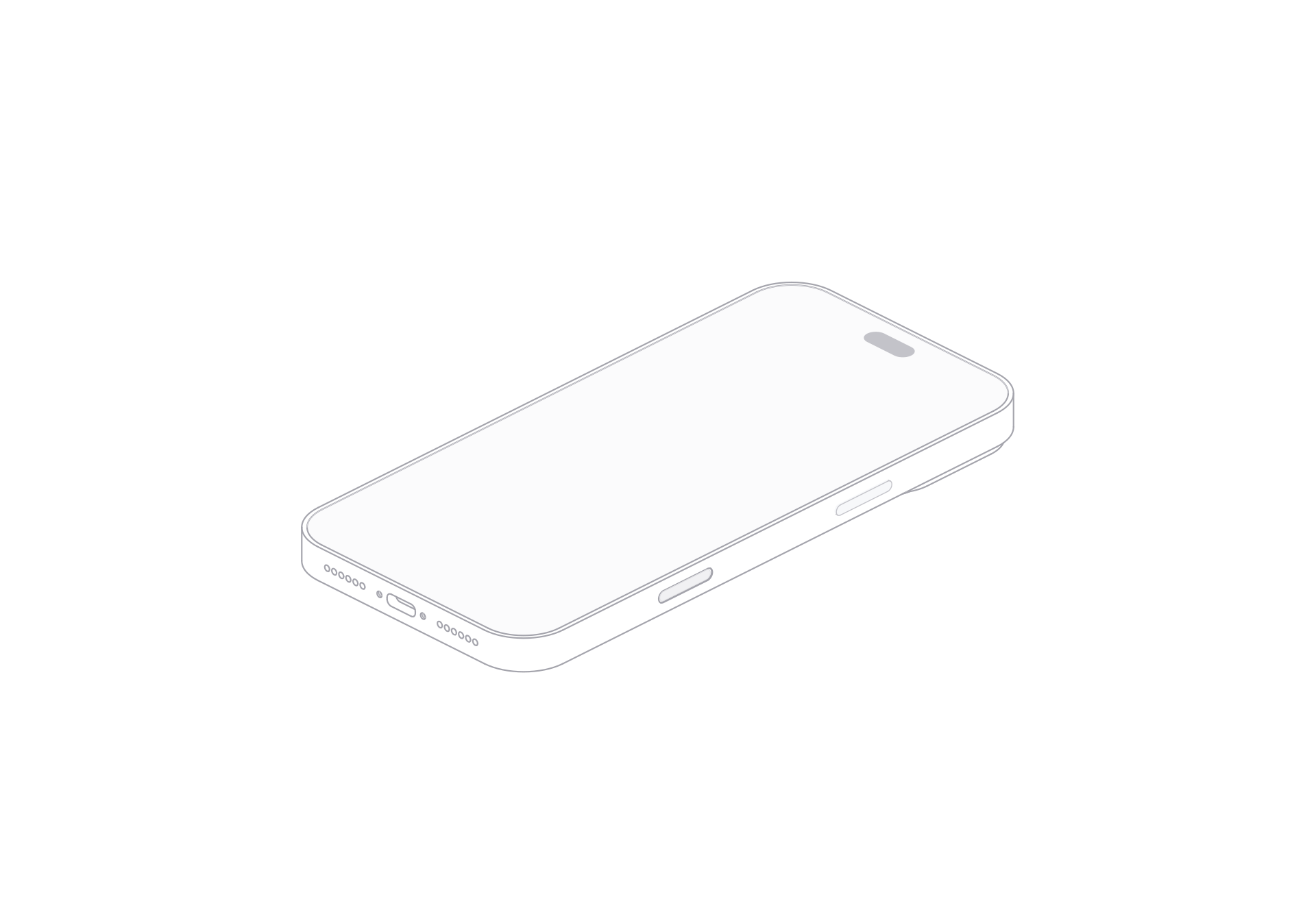
The iPhone 18 Pro Max illustration gives the screen most of the visual space. A small oval cutout sits near the top. The beveled edge, side buttons, speaker holes, and charging port keep the phone recognizable when the screen stays blank.
The model includes front and rear views, light and dark themes, and SVG and PNG artwork.
Keep the screen and edge in view
The front view leaves a large quiet area for a nearby headline or a separate interface image. The side controls and bottom openings add detail along the silhouette. Leave a little space around those edges in a narrow card so they remain visible.
For a mobile feature page, place the phone illustration beside a real app screen. In a comparison row, align its bottom edge with the other devices and use the same view and scale throughout.
Choose a theme and export
The light theme keeps the fine outline visible on a pale canvas. The dark theme gives the same phone drawing contrast on a dark panel.
Open the free model page, choose a view and theme, then use the SVG export control for a vector image. For PNG, download the model ZIP and choose a PNG file after extracting it. Use SVG when the layout needs flexible resizing; use PNG for a fixed image slot.
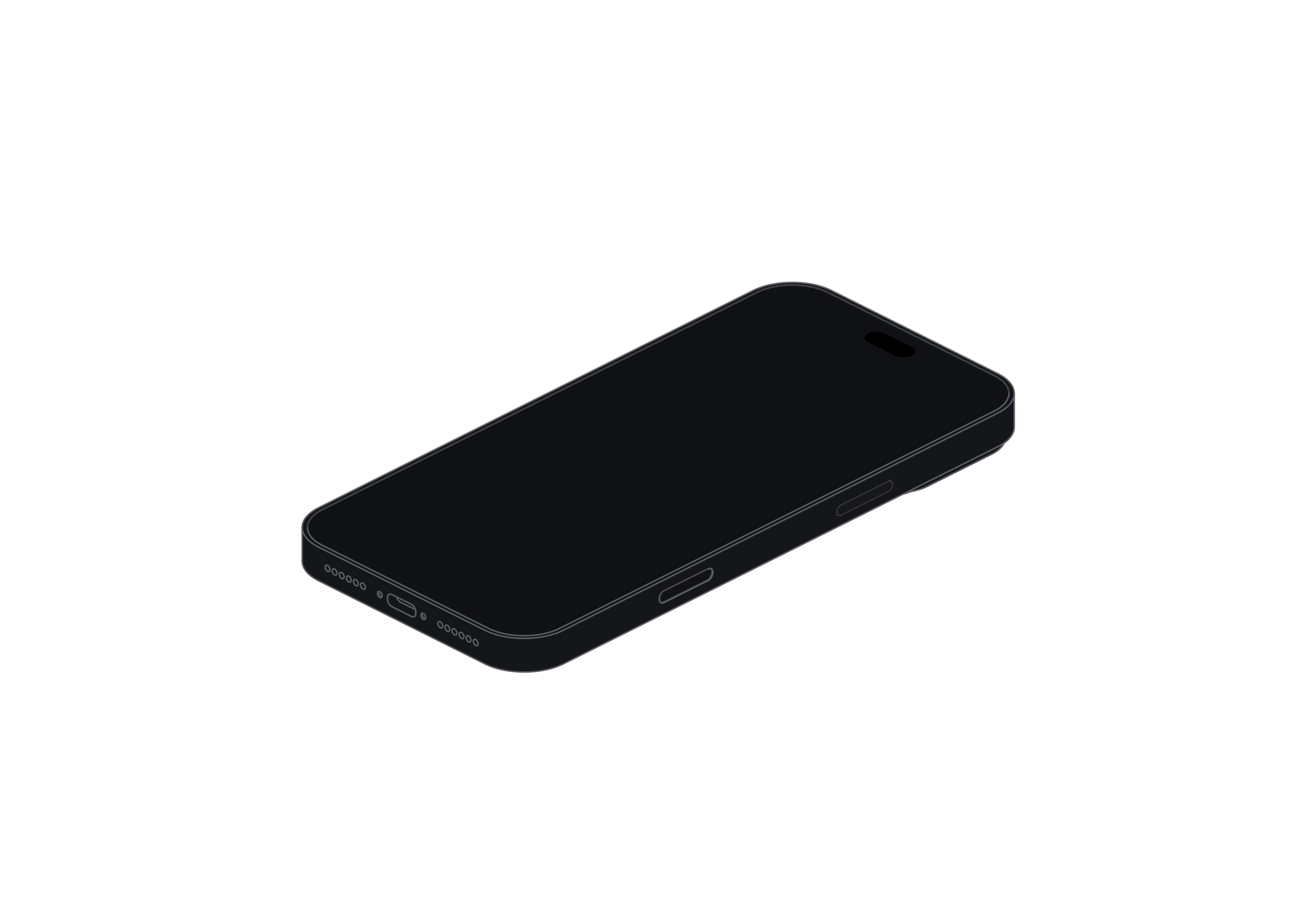
iPhone 18 Pro Max
Free model