iPhone Duo Concept Illustration: Open and Folded Forms
See the folded front and rear of this iPhone Duo concept illustration, then explore how its panels open in the viewer.
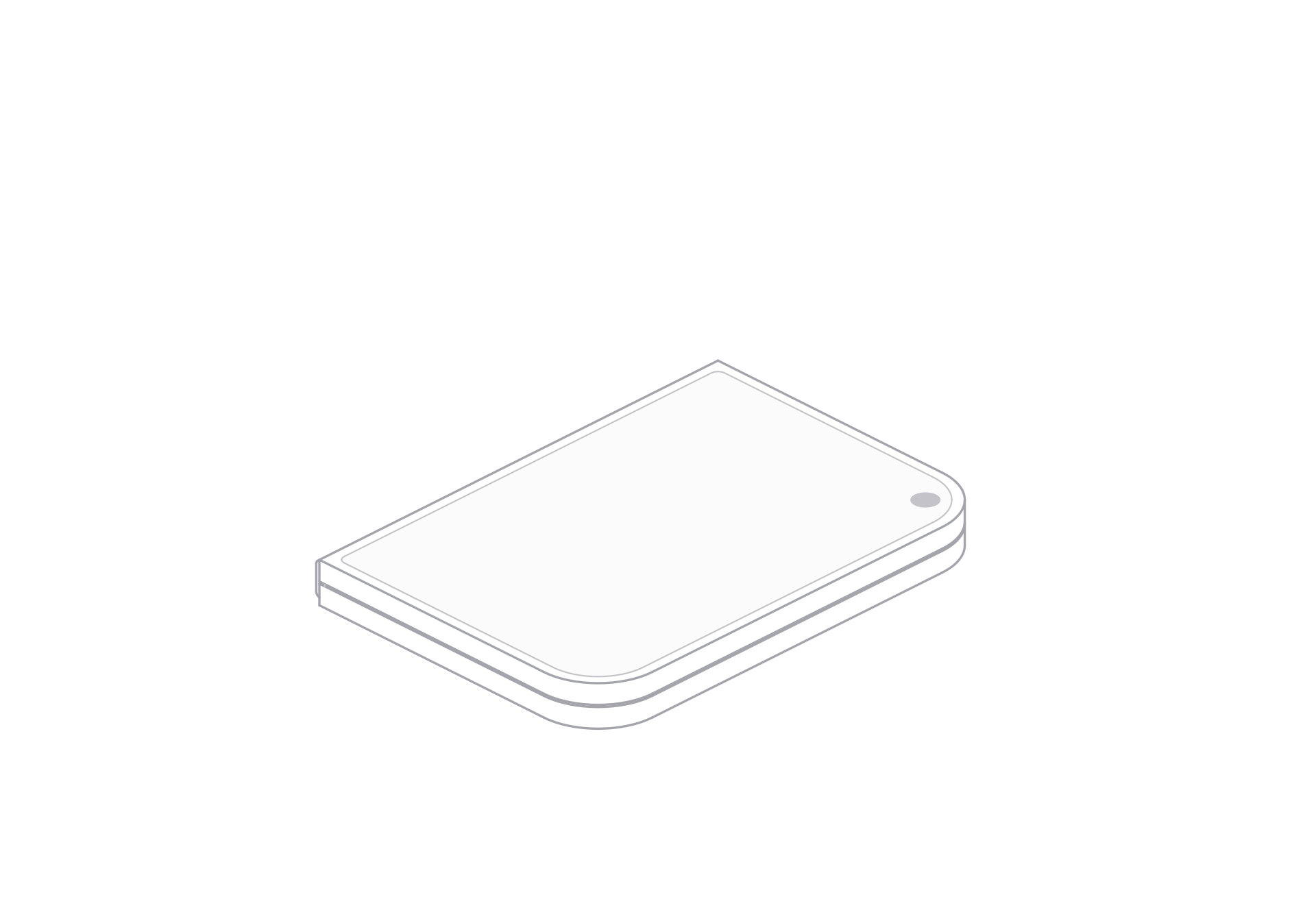
This iPhone Duo concept illustration treats the hinge as the main shape change. The folded front shows two stacked panels and a vertical seam. When opened in the viewer, the panels form a wider screen surface.
The model provides open and folded states, front and rear views, light and dark themes, and SVG and PNG artwork.
Read the hinge across both sides
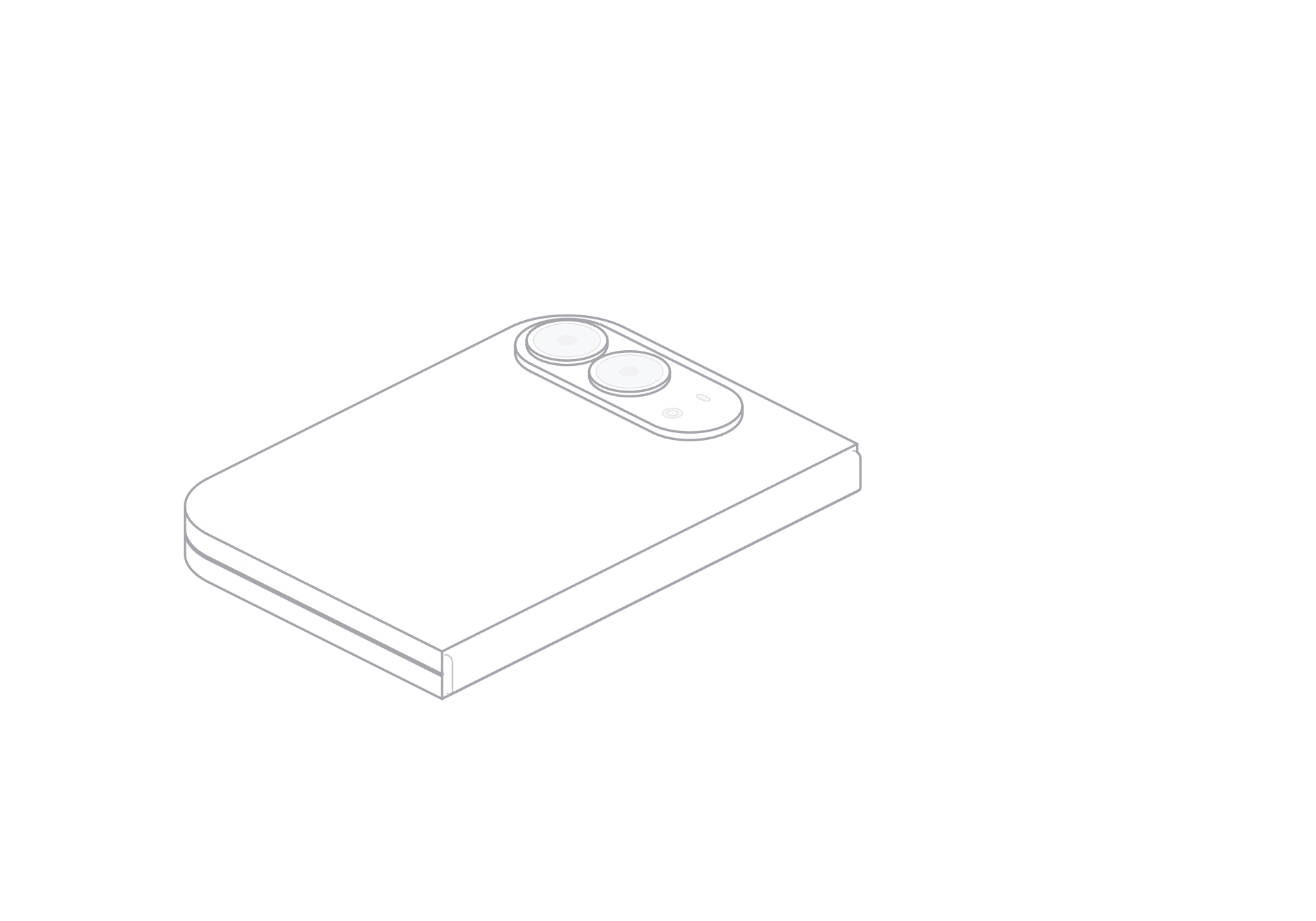
The folded front keeps a single circular cutout near one corner. The folded rear view shows two camera circles and a small flash on its raised strip. The hinge line connects the panels as the form opens or closes.
Use the open view from the viewer in a foldable-interface concept beside your own screen design. Use the folded rear in a device card or product comparison where a compact silhouette fits better.
Set the fold, then export
Choose open or folded in the viewer to set the main pose. Playback shows the panels moving through the fold, including the intermediate form. Switch front or rear view and choose a theme to fit the surrounding layout.
Open the free model page, choose a view and theme, then use the SVG export control for a vector image. For PNG, download the model ZIP and choose a PNG file after extracting it. SVG suits a layout that needs resizing; PNG fits a fixed image area.
iPhone Duo
Free model